Pixro vs Dresma: Dresma Alternative for India Sellers
Dresma started in Gurgaon in 2019. By 2026 its homepage leads with Fabletics, PUMA, and Champion, and its second headquarters is in Cupertino, California.
That's a good story. It's also the tell.
An India-born AI content company scaled itself all the way to enterprise brands and a US zip code, built around a guided-shoot app and a human-QC pipeline tuned for content teams with marketplace catalogues. That's a real, capable product for a specific buyer.
Pixro comes at the same problem from the opposite end: an all-in-one, web-based AI creative platform that works like an always-on creative agency. So let's put the two side by side, honestly, and you decide.
The short verdict
Dresma is best for mid-market and enterprise brands that want a human-QC'd content pipeline — guided photoshoots, on-model imagery, and Amazon A+ modules — with direct publishing to marketplaces. Pixro is the better Dresma alternative if you want breadth and speed from one place: 15+ AI tools (including 6+ live video tools and AI influencers), an AI-agent chat that acts like a full creative team, and 40+ models auto-orchestrated behind the scenes — all in a browser at pixro.ai, with a $10 Trial that puts 50 credits (about 30 photos or videos) in your hands. Pixro wins on breadth, workflow, and credit value. Dresma wins when you need human-checked frames, marketplace A+ content, and enterprise support.
Pixro vs Dresma at a glance
| Category | Pixro | Dresma |
|---|---|---|
| What it is | All-in-one web app (pixro.ai) — 15+ AI tools in one place | Self-serve app + Co-Create with human AI artists |
| How you start | Describe it to the AI agent or pick a tool; connect your store or catalogue URL | Shoot the product yourself in the DoMyShoot app with guided overlays |
| Creative workflow | AI-agent chat + a crew of specialist agents; 40+ models auto-orchestrated | Guided shoot + human-in-the-loop QC |
| Fashion try-on | Cloth, eyewear, shoes, jewellery, accessories | Virtual try-on / outfit generator |
| On-model / AI model | AI model photoshoot, model swap, ghost mannequin, AI influencers | AI model from flatlay or mannequin |
| Catalogue at scale | Bulk catalogue builder | Bulk content, marketplace publishing (Amazon/Walmart) |
| Marketplace A+ content | Not a focus | Amazon A+ modules and brand story |
| Image + video | 15+ tools incl. 6+ live video tools — AI reels, UGC, commercials | AI video (10-sec, 20-sec) |
| Human QC layer | AI-first, multi-model orchestration | Human-in-the-loop QC on Co-Create |
| Entry pricing | $10 Trial — 50 credits (~30 photos/videos); $30 Growth — 400 credits | DIY from $5; Co-Create 1 credit = $1 |
| Delivery | Self-serve web app + always-on automation to store/social | Direct to Amazon, Walmart, Mercado Livre |
Competitor details verified on dresma.com as of July 2026 — check their site for the latest.
Core features: who does the work

Here's the fork in the road, and most comparisons miss it.
Dresma's entry product, DoMyShoot, hands the camera back to you. You pick a category, the app draws overlays on your screen, and you shoot the product yourself against a white background in natural light. The AI cleans it up after. It's genuinely clever, and it's used by brands like Fabletics and Zenni. But it's still a photoshoot — you're the photographer.
Pixro's default is the opposite. You describe what you want to the AI agent — a background, an on-model shot, a lifestyle scene, a reel — and a team of AI agents produces it, working like a creative crew (creative director, art director, photographer, video editor). 15+ tools sit behind the chat: product photoshoot, virtual try-on, ghost mannequin, flat-lay, bulk catalogue, banners and ads, AI influencers, and the full video suite.
One tool teaches you to shoot. The other just ships the creative.
Bottom line: Choose Dresma if you want a guided shoot you control. Choose Pixro if you'd rather brief an AI creative team and get the assets back.
Output and try-on quality
Both platforms cover the modern ecommerce basics: white-background cleanup, lifestyle scenes, on-model generation, and virtual try-on. Dresma builds an AI model from a flatlay or a mannequin shot. Pixro does the same and adds a wider try-on spread — cloth, eyewear, shoes, jewellery, and accessories — plus AI influencers, which matters if you sell across categories rather than just apparel.
Dresma's edge here is its human-in-the-loop QC. On the Co-Create tier, real artists review and enhance the output. For an enterprise brand shipping to Amazon, that review layer is worth paying for — it's insurance against the one weird frame that slips through.
Pixro is AI-first, but it's not single-model roulette. It orchestrates 40+ models (nano-banana, Veo 3, Kling, Runway, Flux, SeeDream, HeyGen and more) and auto-picks the best one per job, which is how it keeps garment colour, texture, and logos consistent across a collection. You get results faster and cheaper, and you're the QC. For most catalogues that trade is exactly right. For a national brand campaign, a human check has real value.
If try-on is your core need, it's worth reading how the model-generation tools actually stack up in our Pixro vs Botika vs FASHN AI fashion model generator comparison before you commit.
Bottom line: Choose Dresma if a human-checked frame is non-negotiable. Choose Pixro if speed, breadth of try-on, and model range matter more than a manual review step.
Catalogue consistency
This is where sellers with 200-plus SKUs actually live.
Pixro's bulk catalogue builder is designed to run the same look across a whole product line — same background, same crop, same lighting logic, listing after listing — and its 40+ model orchestration keeps garment colour, texture, and logo consistent from frame to frame. Dresma handles bulk content too, and pushes it straight to Amazon and Walmart, which is a real advantage if marketplace publishing is your bottleneck.
The split is the destination. Dresma optimises for the marketplace pipeline end to end. Pixro optimises for consistent creative you can push to social and your own store. Different jobs.
If catalogue consistency is your whole problem, it's worth seeing how Pixro compares against catalogue-focused rivals in our Pixro vs Caimera and Pixro vs Whatmore breakdowns.
Bottom line: Choose Dresma if your bottleneck is getting content onto Amazon. Choose Pixro if it's producing consistent creative across a big catalogue.
Image and video
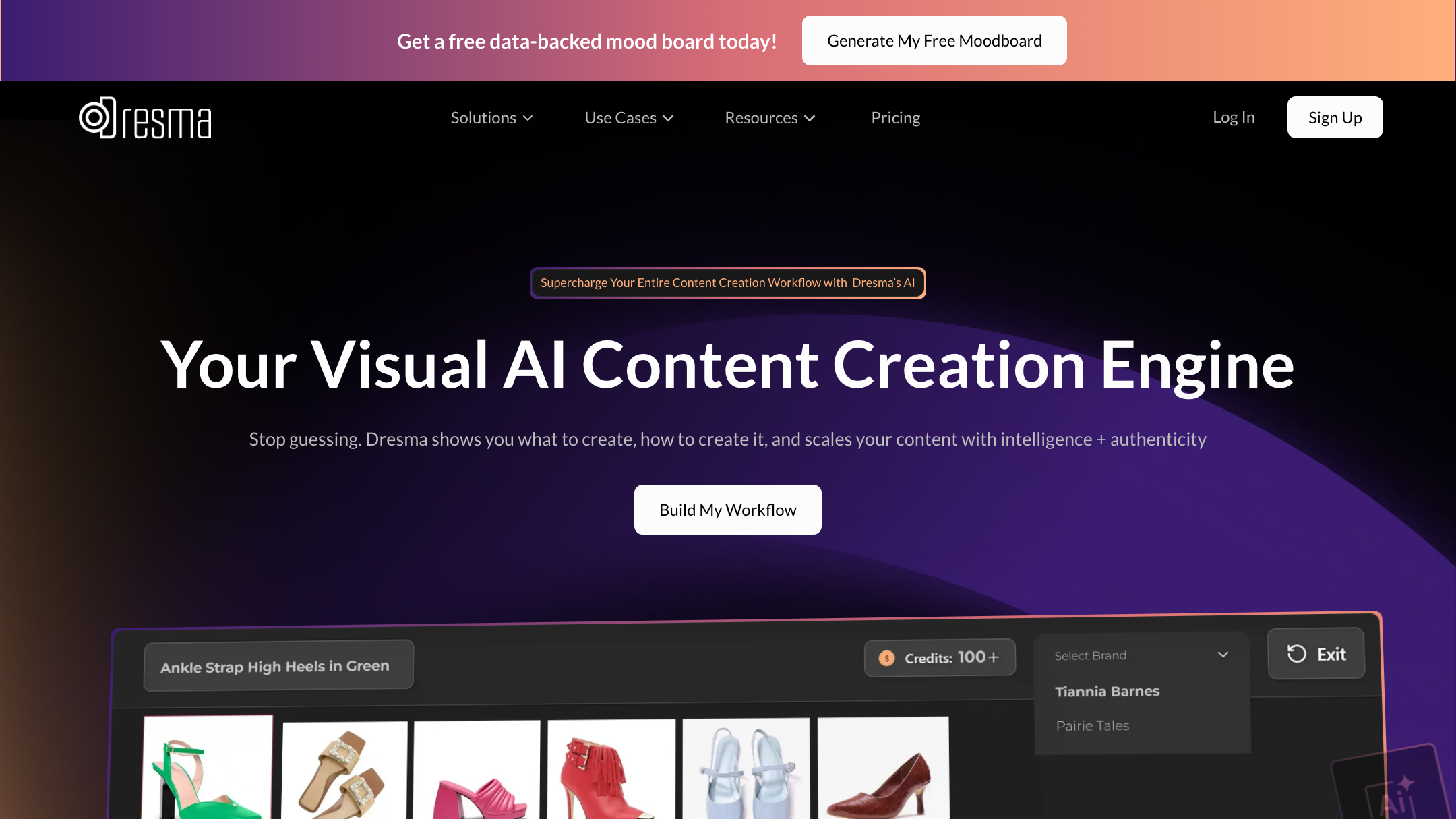
Both platforms do video today. Dresma ships AI video — 10-second and 20-second clips priced in credits (a 10-second clip is 10 credits on Co-Create, per dresma.com, July 2026). That's a genuine, live capability tuned for marketplace listings.
Pixro's video is live and broad: 6+ video tools in production, including AI reels, product videos and commercials, image-to-video, UGC-style videos, and a fashion reel maker — plus AI influencers you can cast across a campaign. Because it all sits in one platform, you can go from a single product photo to a set of catalogue stills, a reel, and try-ons in one session rather than stitching separate tools together.
Bottom line: Choose Dresma if you want marketplace-tuned video with a human check. Choose Pixro if you want a wider video toolkit — reels, UGC, commercials, and AI influencers — alongside your images.
Pricing: credits on both sides
Both platforms are credit-based. The difference is how the credits are packaged and who the pricing is shaped for.
| Plan | Pixro | Dresma |
|---|---|---|
| Entry | $10 Trial — 50 credits (~30 photos/videos), free trial of the paid plan | DIY from $5, pay-as-you-go |
| Assisted / on-model | Credits cover on-model, try-on, ghost mannequin, flat-lay, bulk and video | Co-Create: 1 credit = $1 — white-bg 1, on-model 3, 10-sec video 10, A+ module 25 |
| Growth | $30/mo — 400 credits (~250 photos/videos) | Credit packs top up as you go |
| Enterprise | Business — custom, plus enterprise APIs | Pro (custom) + $250/mo premium support |
Dresma pricing per dresma.com, July 2026 — check their site, it changes.
Do the math for a small seller. Thirty on-model images a month on Dresma's Co-Create is 90 credits — roughly $90, before any video or A+ modules (each 10-second clip is 10 credits, each A+ module 25, per Dresma's Co-Create pricing, July 2026). Pixro's $30 Growth plan gives you 400 credits — enough for roughly 250 photos or videos in a month — spendable across all 15+ tools, with no per-tool add-ons. For SMB volume, the credit value lands differently.
Dresma's DIY-from-$5 entry is real and cheap to test. But the $250/month premium support tier tells you who the pricing was ultimately written for.
Bottom line: Choose Dresma if you're buying into enterprise marketplace volume with human QC. Choose Pixro if you want all-in-one breadth — 15+ tools, video, AI influencers — tested first on the $10 Trial.
Ease of use and access
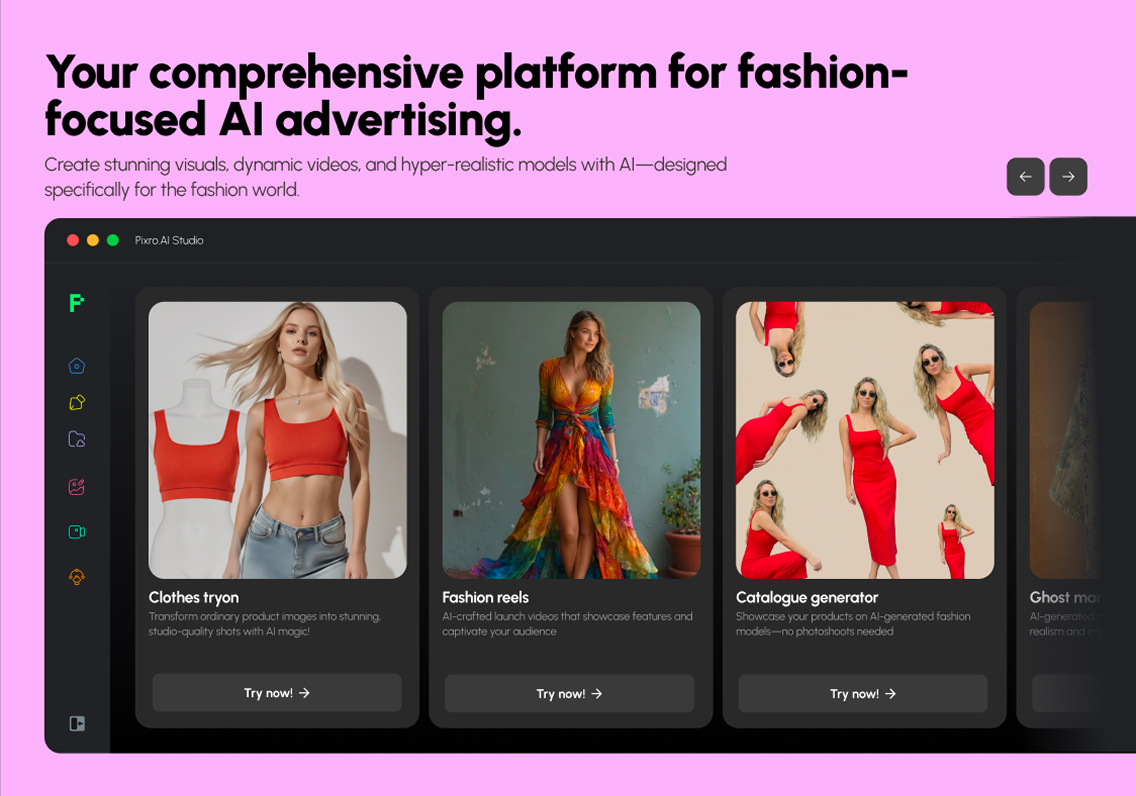
Dresma is a good-looking, capable platform. It also assumes a certain user: someone comfortable shooting in a guided app and thinking in modules and credits.
Pixro is a browser app — nothing to install. You open pixro.ai, tell the AI agent what you want to create ("what do you want to create today?"), or pick from 15+ tools, and it goes to work. Under the hood, an AI-agent chat coordinates a crew of specialist agents and auto-picks from 40+ models, so you never have to choose a model yourself — 40+ models, zero decisions. Connect your Shopify store, a website URL, or a product catalogue and Pixro can keep producing fresh, on-brand, ad-ready and social-ready creative on a schedule. Set it once, get new assets every day.
Bottom line: Choose Dresma if your team likes a guided shoot. Choose Pixro if you'd rather describe what you want and let an AI creative team build it.
Support and delivery
Dresma's human-QC layer and $250/month premium support add-on (per dresma.com, July 2026) are built for accounts that need an SLA and a named contact. Six years in, with reported seed funding and millions of photos processed (per Dresma's public profile, as of July 2026), that's real operational muscle, and enterprise buyers should weigh it seriously.
Pixro's delivery is the web app itself: assets land in your workspace ready to push to social or your store, and always-on automation keeps them coming without a ticket queue. Enterprise teams can wire it in over APIs. If you need a human, the Pixro team is reachable by email at hello@pixro.ai.
Bottom line: Choose Dresma if you need enterprise support structure. Choose Pixro if you want a self-serve platform that keeps delivering on its own.
Who Dresma is best for
Dresma is a strong pick if you're a mid-market or enterprise brand with a content team, a marketplace catalogue, and a budget in dollars. If you value a human review on every frame, want Amazon A+ modules built in, and need direct publishing to Amazon and Walmart, Dresma earns its place. Its enterprise logos aren't decoration — they reflect a product genuinely tuned for that buyer. If you're that buyer, start there.
Who Pixro is best for
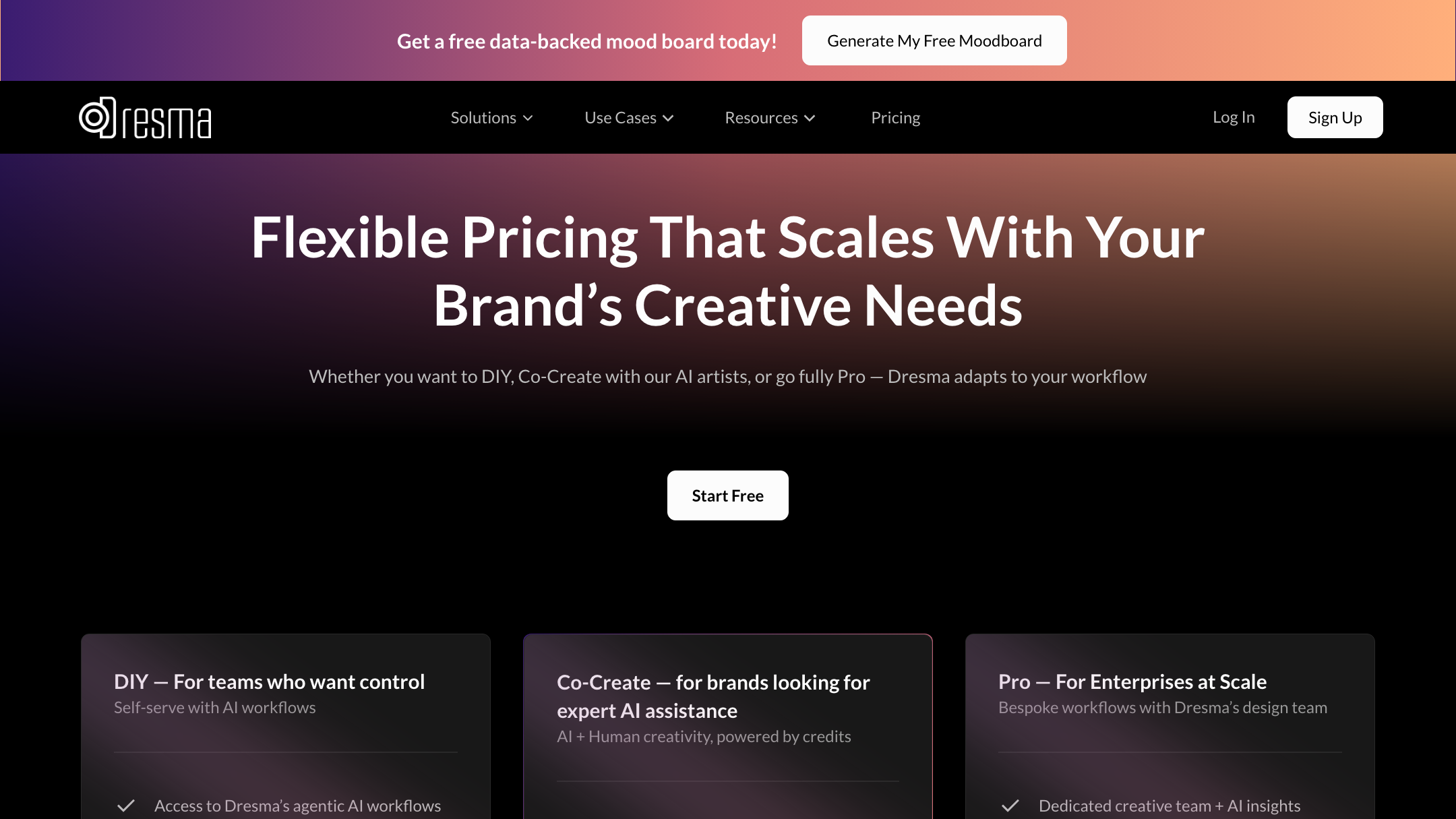
Pixro is built for the brand or seller who wants one place to make everything — stills, reels, try-ons, ads, AI influencers — without hiring a studio or juggling five point tools. You brief the AI agent, it picks from 40+ models and returns finished, ecommerce-ready creative, and you can wire it to your store to keep the assets flowing on a schedule. It suits fast-moving ecommerce and fashion teams; Pixro's brands include HRX, The Roadster, Reliance Jewels, and Karma Dori, and one garment can yield roughly eight catalogue poses, a reel, and try-ons in under a minute. Start on the $10 Trial and judge it on your own products.
How Pixro and Dresma score
Here's an honest read across the dimensions that actually decide this. Filled dots mean stronger; the Edge column names who wins the row.
| Dimension | Pixro | Dresma | Edge |
|---|---|---|---|
| Output / try-on quality | ●●●●○ Strong | ●●●●○ Strong | Dresma (human QC on Co-Create) |
| All-in-one breadth (15+ tools) | ●●●●● Broad | ●●●○○ Focused | Pixro |
| Video + reels | ●●●●○ 6+ video tools | ●●●○○ Listing video | Pixro |
| AI-agent workflow | ●●●●● Agent crew | ●●●○○ Guided app | Pixro |
| Model range (40+ models) | ●●●●● Multi-model | ●●●○○ Fixed pipeline | Pixro |
| Marketplace / A+ publishing | ●●○○○ Not a focus | ●●●●● Amazon/Walmart | Dresma |
| Support | ●●●○○ Self-serve | ●●●●○ Enterprise SLA | Dresma |
Overall read: Dresma wins on human-checked output, marketplace A+ publishing, and enterprise support; Pixro wins on all-in-one breadth, video and reels, the AI-agent workflow, and model range. Pick by which column you live in.
Switching from Dresma to Pixro

Migration is light, because there's little to migrate. Your product photos are the only asset that transfers — and you already have them.
- What transfers: your existing product shots. Upload them to Pixro and regenerate the looks you need.
- What you leave behind: the guided-shoot workflow and the app-based shooting flow.
- Common switch triggers: the cost climbs once you move past DIY into assisted, on-model work; you want video, reels, and AI influencers in the same place; and you'd rather brief an AI creative team than run the shoot yourself.
If you're weighing more than one option, our Pixro vs Quinn comparison covers another alternative worth a look before you decide.
FAQ
Is Dresma worth it?
For enterprise and mid-market brands, yes — the human-QC layer, Amazon A+ modules, and direct marketplace publishing are real strengths, and six years of operating history backs them. For a small seller who just wants a lot of creative fast, the guided-shoot model and dollar credit pricing on assisted work make it a heavier lift than it needs to be.
What's the best Dresma alternative?
Pixro, if you want an all-in-one web app that does the work for you: 15+ tools including product photoshoot, on-model, try-on, bulk catalogue, and 6+ live video tools, driven by an AI agent and 40+ auto-orchestrated models. It covers the same core ground as Dresma without asking you to shoot the product yourself, starting on a $10 Trial with 50 credits.
Is Pixro web-based? How do I access it?
Yes. Pixro is a browser app at pixro.ai — no download, no install. You sign in, brief the AI agent or pick a tool, and your assets land in your workspace ready to publish. If you want to reach the team, you can message Pixro on WhatsApp at +91 6364871993 or email hello@pixro.ai.
Does Pixro have a free plan?
No. Pixro is credit-based, like Dresma. You can start on a $10 Trial with 50 credits (about 30 photos or videos), then move to $30 Growth for 400 credits or a custom Business plan — but there's no permanently free tier.
Try it on one product
Dresma scaled from Gurgaon to Cupertino chasing brands like PUMA, and built a guided-shoot, human-QC pipeline that serves that buyer well.
Pixro answers a different question: what if one platform could brief itself, pick the right model, and hand you the stills, the reel, and the try-ons — all in a browser?
You've got a product photo right now. Open Pixro on the $10 Trial, ask the AI agent for the on-model version and a reel, and judge the result against your last shoot. If you want a wider look first, the best AI tools for product photoshoot guide lays out the field.








