Pixro vs Leonardo AI: The Best Ecommerce Alternative
You typed your product into Leonardo, got a gorgeous image back, and then noticed the logo was slightly wrong. The stitching moved. The shade of green wasn't your green.
That's not a Leonardo failure. That's Leonardo doing exactly what it's built to do.
Leonardo AI is a generative playground. It imagines. Pixro is a product camera with a whole creative team behind it. It keeps your product the same, then photographs it, films it, and pushes it to your store on repeat. Two different jobs, and most of the confusion online comes from asking one tool to do the other's work.
The quick verdict
Leonardo AI is a superb generalist image engine, now part of Canva, loved by game artists, concept designers, and marketers who want to invent visuals from a prompt. Pixro is an all-in-one, web-based AI creative platform, your always-on AI creative agency, built to photograph the exact products you already sell, keep them consistent across a whole catalogue, put them on AI models, turn them into reels, and deliver ecommerce-ready assets to your store and social channels.
Choose Leonardo when you want creative range and don't need the output to match a real SKU. Choose Pixro when the shirt on screen has to be your shirt, on every listing, in a reel, on a schedule, by lunch.
Pixro vs Leonardo AI at a glance
| Category | Pixro | Leonardo AI |
|---|---|---|
| Primary job | Photograph, film and scale your real products for a store | Generate original images and art from prompts |
| What it is | All-in-one web platform, 15+ AI tools plus an AI-agent chat | Generalist image-generation app and creative canvas |
| Product consistency | Keeps your exact product identical across shots | Reinvents details each generation; hard to lock a real SKU |
| Model range | 40+ underlying models orchestrated automatically, best one picked per job | Many base and fine-tuned models you pick from yourself |
| Virtual try-on | On-model, ghost mannequin, flat-lay and AI influencers built in | Not a dedicated try-on workflow |
| Catalogue at scale | Bulk catalogue, consistent look across 200 SKUs | One-off generations, style varies shot to shot |
| Video | 6+ video tools live: AI reels, product commercials, image-to-video, UGC | Motion and video generation for creative clips |
| Workflow | AI-agent chat backed by a full creative crew; connect store and go | Web app and canvas, creative-tool focused |
| Delivery | Self-serve web app plus always-on automation to your store, ads and social | Web app and canvas, manual export |
| Free access | Free trial of the paid Trial plan | Free daily tokens to experiment |
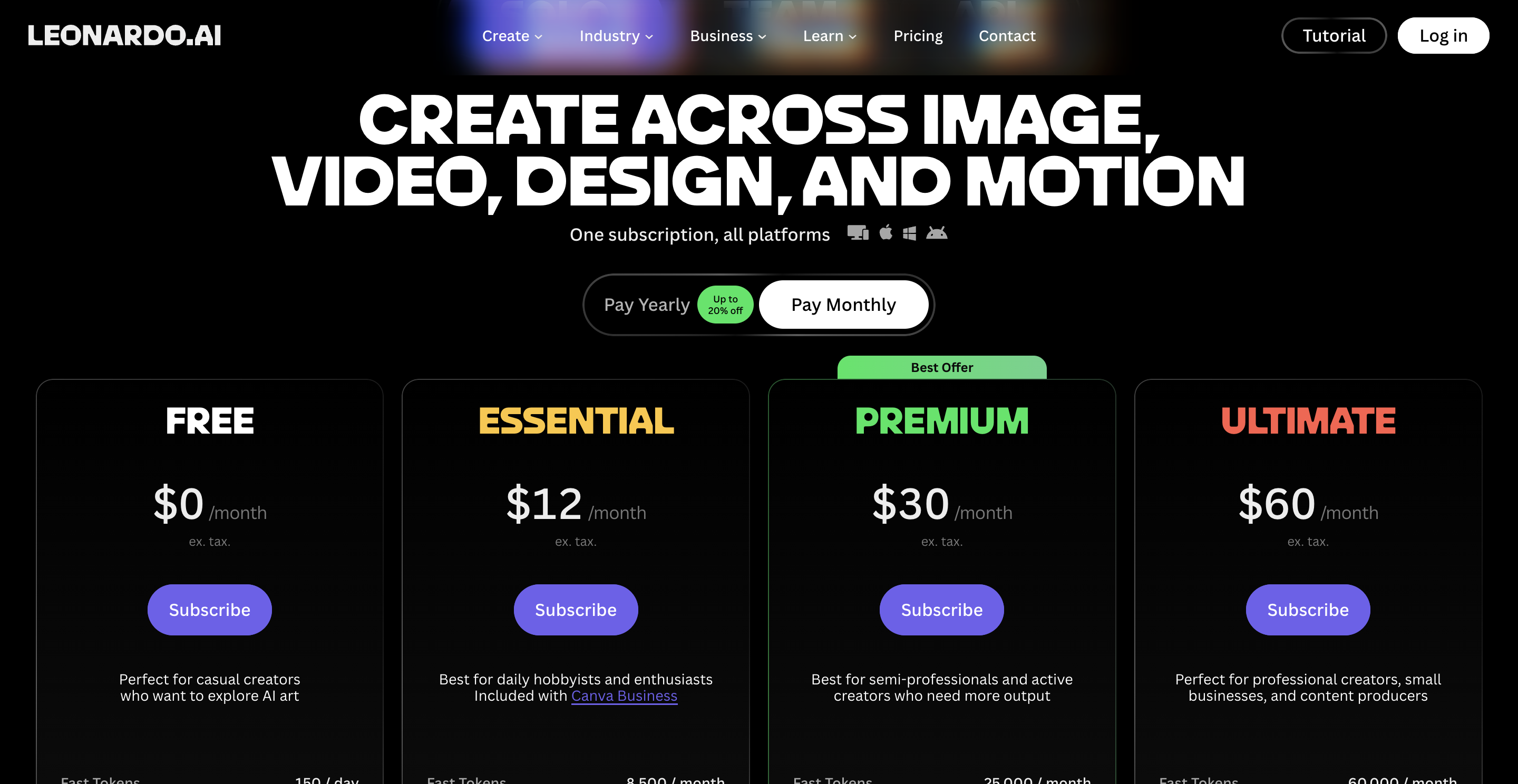
| Pricing | $10 Trial / $30 Growth (credit-based) | Free tier; paid plans from about $12/mo (as of July 2026 — check their site) |
Now the part the table can't hold: why these differences exist, and which one fits the job in front of you.
Core features: an art engine vs a creative platform

Leonardo's whole pitch is breadth of imagination. Multiple base models, fine-tuned community models, image generation, editing, upscaling, a realtime canvas, texture and 3D tools. If you want a dragon in a neon alley, or forty variations of a hero banner, Leonardo gives you a bigger sandbox than almost anyone. That range is real, and it's genuinely good.
Pixro is broad too, but pointed at a different target: everything a store needs to sell a real product. It's an all-in-one platform with 15+ AI tools in one place, product photoshoot, virtual try-on, ghost mannequin, flat-lay, bulk catalogue, AI influencers, banners and ads, plus 6+ video tools. You don't pick models or engineer prompts. You bring a phone shot of the actual hoodie; it hands back the hoodie on a white seamless, a loading dock, a sunlit cafe, then a reel of it if you want one.
The other half of the pitch is how you drive it. Pixro runs on an AI-agent chat, it opens with "what do you want to create today", and behind that chat is a team of AI agents that work like a creative crew: a creative director, an art director, a photographer, a video editor. You describe the outcome; the crew routes the job. Under the hood, Pixro orchestrates 40+ models automatically, so the right engine gets picked per task instead of you shopping for one.
The difference isn't quality. It's fidelity to a real object, delivered by a system that runs itself. Leonardo is built to imagine something new. Pixro is built to reproduce something that exists and keep producing it.
Choose Leonardo if you want the widest creative range and don't need the output tied to a specific SKU. Choose Pixro if the output has to be the exact product you'll ship.
Output and try-on quality
On raw image quality, Leonardo is excellent. Its newer photoreal models produce clean, sharp, portfolio-grade renders, and its character-reference tools are strong enough that game and concept artists lean on them daily. Credit where it's due: for made-up subjects, Leonardo often looks the part.
The catch shows up the moment you need a person wearing your item. Leonardo has no dedicated on-model try-on flow. You can prompt toward it, but you're rebuilding the garment from a description, and the fabric, the print, the fit drift from the real thing. Reviewers note character-reference features that struggle to hold specific traits across generations, which is fine for art and expensive for a catalogue.
Pixro's try-on is the whole point. Feed it the garment, pick a model, and it dresses that model in your piece, not a lookalike. Ghost mannequin, flat-lay, on-body, and even AI influencers, all from the same source image. In practice, one garment can turn into roughly eight catalogue poses, a reel, and try-ons in under a minute, with the colour, texture, and logo holding across the set.
Choose Leonardo if you're generating imaginative or stylized visuals. Choose Pixro if you need a real model wearing your real product.
Catalogue consistency: the row that decides it
Here's the reframe. You don't have a photography problem. You have a "do all 200 listings look like the same store" problem.
Generalist engines like Leonardo generate each image fresh. Ask for the same product twice and you get two cousins, not twins. The background moves, the lighting shifts, a button changes. For a mood board that's a feature. For a storefront where shoppers scroll thirty products in a row, it reads as a mess.
Pixro is built the other way around. Lock the product once, and the look holds across the whole catalogue: same treatment, same crops, same marketplace-ready specs across every SKU. That's how a brand like HRX ran 500+ catalogue images through Pixro with roughly a 90% cut in production time. If you're weighing generalist engines against purpose-built ones, our Pixro vs Krea comparison and Pixro vs Lovart comparison walk the same fault line.
Choose Leonardo if every image can stand alone. Choose Pixro if they have to look like one catalogue.
Image and video
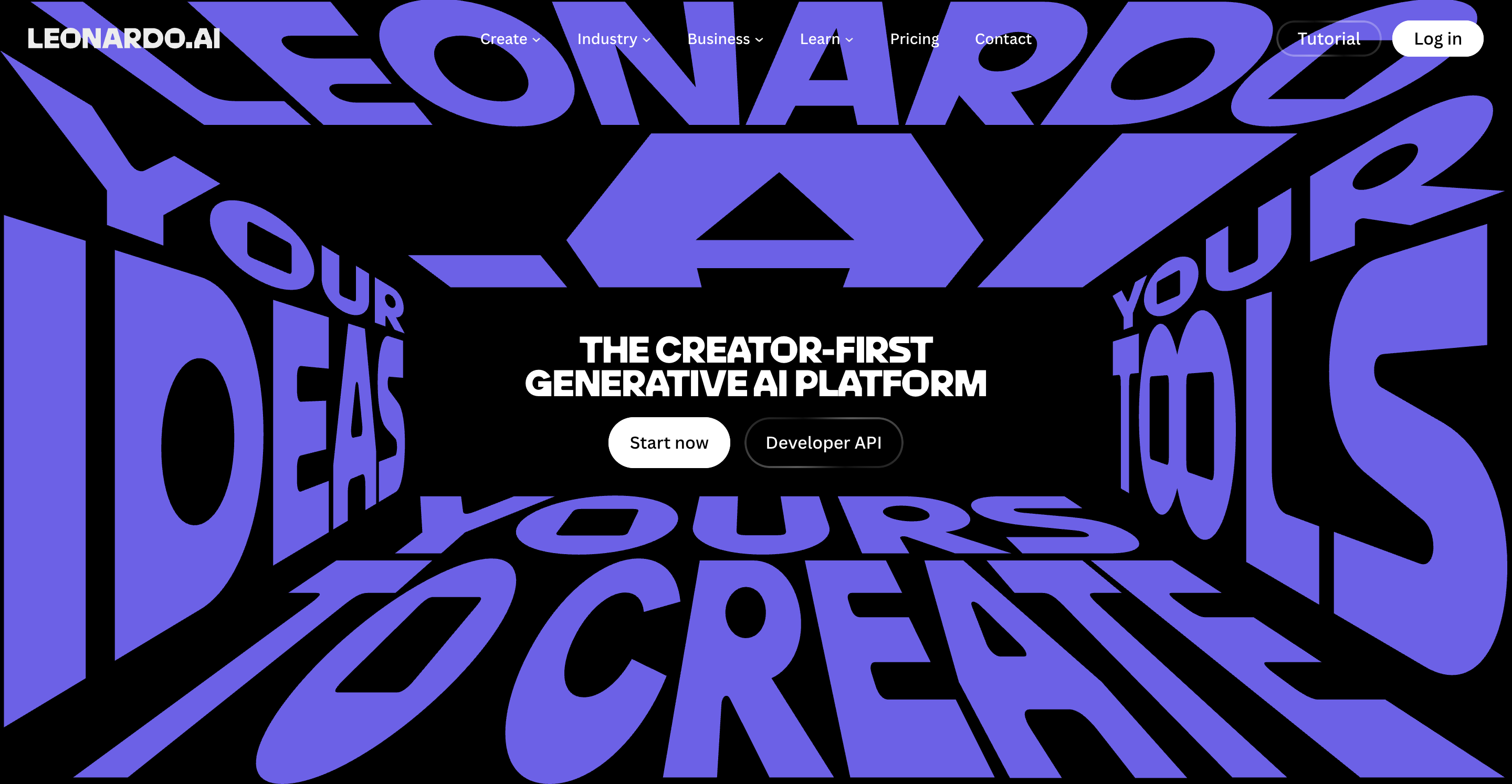
Both tools reach past still images, and here the old "Pixro is images, Leonardo is everything" assumption is simply out of date. Leonardo offers motion and video generation aimed at creative clips and marketing pieces, which fits its imagine-anything DNA. Pixro ships 6+ video tools today, in production: AI reels, product videos and commercials, image-to-video, UGC-style clips, and a fashion reel maker, all built for a storefront and social rather than for concept reels.
Same word, different intent. Leonardo's video invents a scene. Pixro's video animates the product you're actually selling, and Pixro auto-picks the right engine for the shot from its 40+ orchestrated models rather than making you choose.
Choose Leonardo if you want expressive, open-ended motion. Choose Pixro if you want short product clips tied to a real SKU.
Pricing
Leonardo runs on a token model. A free tier hands you daily tokens to experiment with, which is genuinely generous for trying things out. Paid plans start at roughly $12/month and climb through higher creator tiers with larger monthly token allowances (as of July 2026 — check their site, since Leonardo has renamed tiers before). Heavier models burn tokens faster, and a common gripe in reviews is how quickly credits drain on the premium models.
Pixro is also credit-based, priced in plain USD tiers: Trial at $10/month (50 credits, about 30 photos or videos), Growth at $30/month (400 credits, about 250), and Business as a custom, enterprise plan with APIs. There's a free trial of the paid Trial plan rather than a permanently free tier, plus pay-as-you-go credit packs.
The honest read on cost: for pure experimentation and volume of made-up images, Leonardo's free tokens are hard to beat. For a store generating a couple hundred listing-ready product images and videos a month, Pixro's $10 and $30 credit tiers are built for that exact workload, with 40+ models handled for you so there's no model-shopping to blow your budget.
Choose Leonardo if you want a free sandbox to explore. Choose Pixro if you want predictable credits sized for a catalogue.
Ease of access and workflow
Leonardo lives in a web app and canvas built for creators. There's a learning curve: models, presets, settings, prompt craft. That depth is a gift if you're an artist and a tax if you just want a clean product shot.
Pixro is a no-code web app at pixro.ai, and the workflow is the differentiator. Instead of a canvas to master, you chat with an AI agent: describe what you want, upload a product photo, and a crew of AI agents produces listing-ready output. Better still, you can connect your Shopify store, a website URL, a product catalogue, or your brand assets once, and Pixro will generate and deliver fresh, on-brand creatives on a schedule, set it once, get new assets every day, pushed toward your store, ads, and social. Leonardo is a tool you operate; Pixro is a system that keeps working after you close the tab.
Choose Leonardo if you enjoy a deep, hands-on creative toolset. Choose Pixro if you want an AI agent and always-on automation doing the catalogue for you.
Support
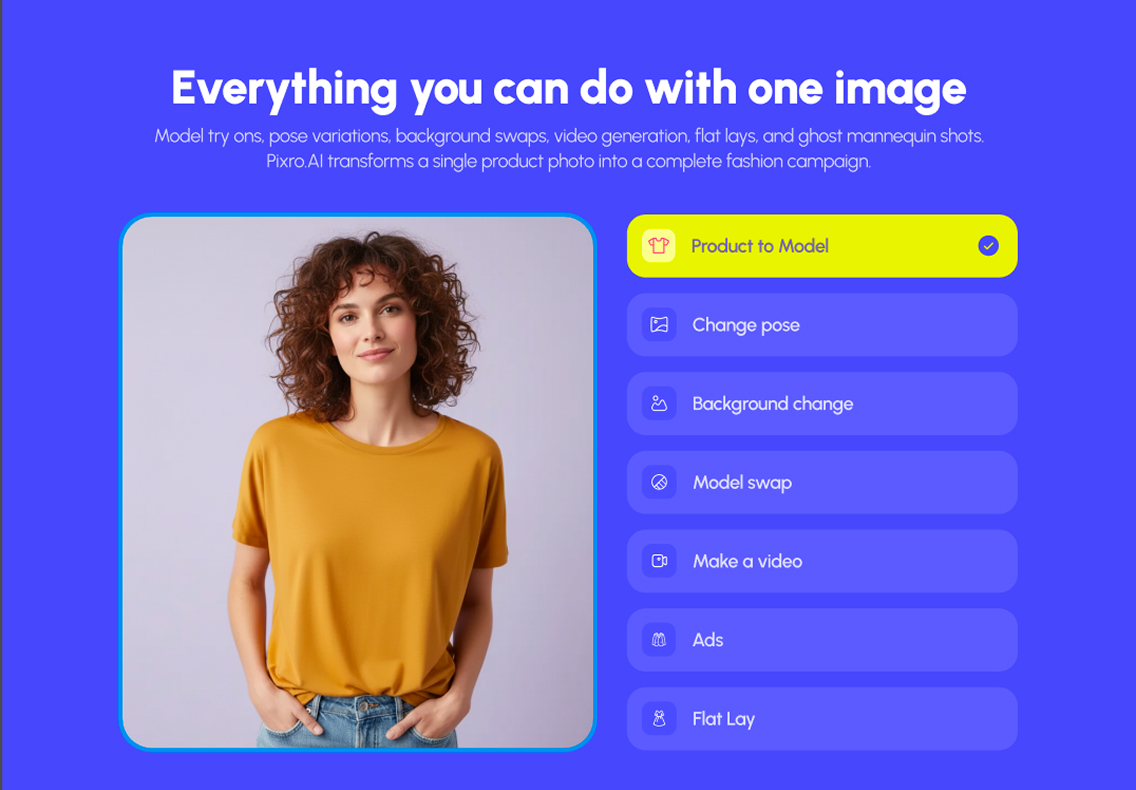
Leonardo is widely praised for responsive support and a large, active creative community, forums, tutorials, and a wall of shared prompts to learn from. If you learn by browsing what others made, that ecosystem is a real asset.
Pixro's support is narrower and more hands-on for its niche: ecommerce and fashion sellers who want a specific outcome and a person to help them get a catalogue out the door. Smaller community, tighter focus. Pixro is bootstrapped, works with 20+ paying brands including HRX, The Roadster, The Kids Label, Karma Dori and Reliance Jewels, and has crossed 1,000+ signups, so the help you get is shaped by real storefront workflows.
Choose Leonardo if you want a big creative community. Choose Pixro if you want ecommerce-specific help.
Who Leonardo AI is best for
Leonardo is the right call for game artists, concept designers, illustrators, and marketers who need to invent visuals. If your job is dragons, environments, ad concepts, textures, stylized hero art, or forty fresh variations of a made-up scene, Leonardo's model breadth and free tokens make it one of the best generalist engines going. It earns its fans.
It's also a fine starting point if you're exploring AI imagery in general and haven't decided what you actually need yet.
Who Pixro is best for
Pixro is for ecommerce and fashion sellers who already have products and need them photographed, filmed, and scaled, consistently, without a studio. Apparel brands wanting on-model and ghost-mannequin shots. Sellers pushing 200 SKUs to a marketplace this week. Anyone who wants an AI-agent chat and an always-on pipeline that connects to their store and keeps producing reels, banners, and catalogue images on a schedule.
If the image has to be your real product, and it has to match across a catalogue and move as video, that's the job Pixro was built for. For the fashion-model angle specifically, our three-way look at Botika and Fashn AI goes deeper.
Scorecard
| Dimension | Pixro | Leonardo AI | Edge |
|---|---|---|---|
| Creative range | ●●○○○ | ●●●●● | Leonardo |
| Model choice for artists | ●●○○○ | ●●●●● | Leonardo |
| Product consistency | ●●●●● | ●●○○○ | Pixro |
| Virtual try-on | ●●●●● | ●○○○○ | Pixro |
| Catalogue at scale | ●●●●● | ●●○○○ | Pixro |
| Free experimentation | ●●●○○ | ●●●●● | Leonardo |
| All-in-one breadth | ●●●●● | ●●●○○ | Pixro |
| Video and reels | ●●●●○ | ●●●○○ | Pixro |
| AI-agent workflow and automation | ●●●●● | ●●○○○ | Pixro |
The overall read: Leonardo wins on raw creative range, artist-facing model choice, and free experimentation, which is exactly what a generalist engine should win. Pixro wins on everything tied to selling a real product, breadth, consistency, video, and an automated workflow. Pick by the job, not the scoreboard.
Switching, and what transfers

If you've been stretching Leonardo to make product shots, good news: almost nothing gets stranded. You keep your source product photos, that's the only input Pixro needs. What you can retire is the prompt-wrangling: the seeds, the negative prompts, the twelve retries to stop the logo warping, and the model-shopping, because Pixro's 40+ orchestrated models pick themselves.
What changes is the starting point. In Leonardo you describe a product into existence. In Pixro you upload the product, tell the AI agent what you want, and connect your store so the pipeline keeps running. The skill you built reading generations still helps you judge output; you just spend it picking, not coaxing. Many sellers keep Leonardo for concept and campaign art and move the catalogue and video work to Pixro. That's a sensible split, not a betrayal.
FAQ
Is Leonardo AI worth it?
For generative and creative work, yes. Leonardo is one of the strongest generalist image engines available, with wide model choice and a generous free tier. If your job is inventing visuals rather than reproducing a specific product, it's a genuinely good pick.
What's the best Leonardo AI alternative for ecommerce?
If you need product photography and video rather than open-ended art, an all-in-one ecommerce platform like Pixro is the closer fit. It keeps your exact product consistent across shots and catalogues, handles on-model, ghost-mannequin and AI-influencer looks, ships 6+ video tools, and runs it all through an AI-agent chat with always-on delivery to your store. Compare it against similar niche tools in our Pixro vs Caimera comparison.
Can Leonardo AI keep my exact product consistent?
It's difficult. Leonardo generates each image fresh, so real product details, logos, prints, exact colours, tend to drift between generations. That's expected for a generative engine; consistency across a whole catalogue is the specific problem Pixro is built to solve.
Does Pixro have a free plan?
Pixro is credit-based, with a free trial of the paid Trial plan rather than a permanently free tier. The Trial plan is $10/month for 50 credits (about 30 photos or videos), and Growth is $30/month for 400 credits, with pay-as-you-go packs available too.
Is Pixro web-based, and how do I get started?
Yes. Pixro is a browser app at pixro.ai, no install and no plugin required. You sign in, chat with the AI agent, upload a product photo or connect your store, and get listing-ready images and videos back. If you'd rather talk to a human first, you can reach the team on WhatsApp at +91 6364871993 or email hello@pixro.ai.
The bottom line
You started with a beautiful Leonardo image where the green wasn't quite your green. That's the whole story in one detail.
Leonardo is the better tool when the point is to imagine. Pixro is the better tool when the point is your real product, unchanged, across every listing, in a reel, delivered to your store on repeat.
You've got a product photo on your phone right now. Drop it into Pixro's $10 Trial and see the on-model, catalogue-ready version, plus a reel, before your coffee's cold, then judge it against your last studio invoice.