Pixro vs Uwear.ai: A Uwear AI Alternative for Sellers
Two tools promise the same thing: turn a flat-lay of your shirt into a photo of someone wearing it. Then they walk in opposite directions.
Uwear.ai is really two products — a B2B studio with a developer API and a try-on widget, plus a separate consumer app where shoppers vote on each other's outfits. Pixro is one thing: an all-in-one, web-based AI creative platform a seller runs in the browser — no code, no store plug-in required — where a team of AI agents handles the work like an always-on creative agency.
The quick verdict
If you have a developer and want to embed a try-on widget or call an API, Uwear.ai is built for you, and its consumer app gives it a second, shopper-facing life. If you are a seller who just wants on-model shots, ghost-mannequin cutouts, reels, and a bulk catalogue back by lunch — without touching Shopify or an API key — Pixro is the shorter road, starting at a $10 credit plan and run entirely from your browser. Uwear splits its energy across a consumer app and a B2B platform; Pixro keeps its energy on the seller, with 15+ tools and 6+ video tools under one login.
Pixro vs Uwear.ai at a glance
| Category | Pixro | Uwear.ai |
|---|---|---|
| Core positioning | All-in-one, web-based AI creative platform for ecommerce sellers — 15+ tools in one place | Flatlay-to-model studio + API, plus a separate consumer try-on app |
| Flatlay to on-model | Yes — on-model photoshoot, multi-angle and background | Yes — multi-angle, background, style, batch (built on its "Drape" model) |
| Ghost mannequin + flat-lay | Built in, alongside try-on, catalogue, banners and edits | Focused on flatlay-to-model and try-on; narrower editing suite |
| Virtual try-on | Try-on for product imagery, self-serve in the browser | One-click widget for Shopify/WooCommerce/API + consumer app |
| Video | Live — 6+ video tools (AI reels, product videos, image-to-video, UGC, fashion reels) | AI video from product images |
| Access | Web app with an AI-agent chat; 40+ models auto-orchestrated behind the scenes | Web app, developer API, embeddable widget, app stores |
| Who runs it | The seller — no dev team, no store plug-in | Often a developer or a technical team for the widget/API |
| Pricing entry | $10/mo Trial (50 credits) · $30/mo Growth (400 credits) · Business custom | $0.10/credit pay-as-you-go; subscriptions reported around $57–$297/mo (see pricing note) |
Now the detail, category by category. Every competitor figure below is dated — pricing moves, so check their site before you commit.
Core features

Both tools nail the headline trick. Feed Uwear a flat-lay and it renders a model wearing it from several angles, in different backgrounds and styles, in batches. It runs on its own model, "Drape," and returns results fast. That is genuinely good, and it is Uwear's center of gravity.
Pixro treats flatlay-to-model as one tool in a much wider kit. The same subscription covers on-model photoshoots, ghost mannequin, flat-lay, bulk catalogue generation, AI influencers, banners and ads, edits — and a full set of 6+ video tools. All of it sits behind an AI-agent chat that opens with "what do you want to create today": describe the job and a crew of AI agents — creative director, art director, photographer, video editor — plans and produces it. Under the hood Pixro orchestrates 40+ models (nano-banana, Veo 3, Kling, Runway, Flux, SeeDream, HeyGen and more) and auto-picks the best one per job, so you make zero model decisions. If you are weighing narrower on-model tools, our Pixro vs FASHN comparison and the Botika vs FASHN vs Pixro model-generator breakdown cover the same ground against other rivals.
Uwear's second core feature is not a feature at all — it is a whole other app. The consumer Uwear app lets shoppers build an avatar, try clothes on themselves, run a 12-season color analysis, and vote on friends' outfits in a social feed. Impressive reach. But it is energy pointed at shoppers, not at you shipping a catalogue.
Choose Uwear if you want a try-on widget plus a consumer app in one brand. Choose Pixro if you want one platform that also does ghost mannequin, flat-lay, bulk catalogue, and video without extra logins.
Output and try-on quality
Uwear's model output is its strong suit — it rebuilds the garment on a body rather than pasting it, which is what you want from a try-on. Reviewers note results land in under 30 seconds. That speed and realism are real strengths.
Pixro is built for the same realism, and because it orchestrates 40+ models it can route each job to whichever engine renders it best. But the honest bar is the same for everyone: the input decides the output. A clean, evenly lit flat-lay becomes a clean on-model shot in either tool. A crumpled phone snap on your bed becomes a crumpled result. Neither tool is magic; both reward a decent source photo.
Choose Uwear if a shopper-facing try-on that generates a new image from a profile picture is the whole job. Choose Pixro if you want on-model quality plus the cutout, catalogue and video tools around it.
Catalogue consistency
This is where breadth pays off. A listing is rarely one image — it is the hero, the angle set, the ghost-mannequin cutout, the flat-lay, a reel, all needing to look like they came from the same shoot.
Pixro is designed to keep that look steady across a bulk catalogue in one pass, because the tools live under one roof and the same agents hold your brand assets — keeping garment colour, texture and logo consistent across a collection, and turning one garment into roughly eight catalogue poses plus a reel and try-ons in under a minute. Uwear can batch model shots well, but you would still stitch cutouts, flat-lays, and edits from a thinner editing suite or another tool. If catalogue-wide consistency across many SKUs is your headache, our Pixro vs SellerPic comparison digs into bulk-catalogue workflows specifically.
Choose Uwear if you mostly need consistent on-model angles. Choose Pixro if you need the whole listing — angles, cutouts, flat-lays, reels — to match.
Image and video
Both tools do more than stills, and here the picture has changed. Uwear generates AI video from product images. Pixro ships 6+ video tools today — AI reels, product videos and commercials, image-to-video, UGC videos, and a fashion reel maker — all live and in production, not on a roadmap. So video is no longer a gap for Pixro; it is a shipped, everyday capability sitting next to the image tools.
On the image side, the two are close on the core render and Pixro is wider on the surrounding tools. So the split is roughly: both ship video, and Pixro is ahead on the sheer breadth of video and image tools in one place.
Choose Uwear if a single product-video feature next to a try-on widget is all you need. Choose Pixro if you want a whole suite of reels, product videos and UGC alongside your image work.
Pricing
Pixro is credit-based and predictable. The $10/mo Trial gives you 50 credits (roughly 30 photos or videos), $30/mo Growth gives 400 credits (roughly 250), and Business is custom for unlimited needs, with enterprise APIs available. There is a free trial of the paid Trial plan — no permanently free tier, but a low door to walk through. Pay-as-you-go credit packs are there too.
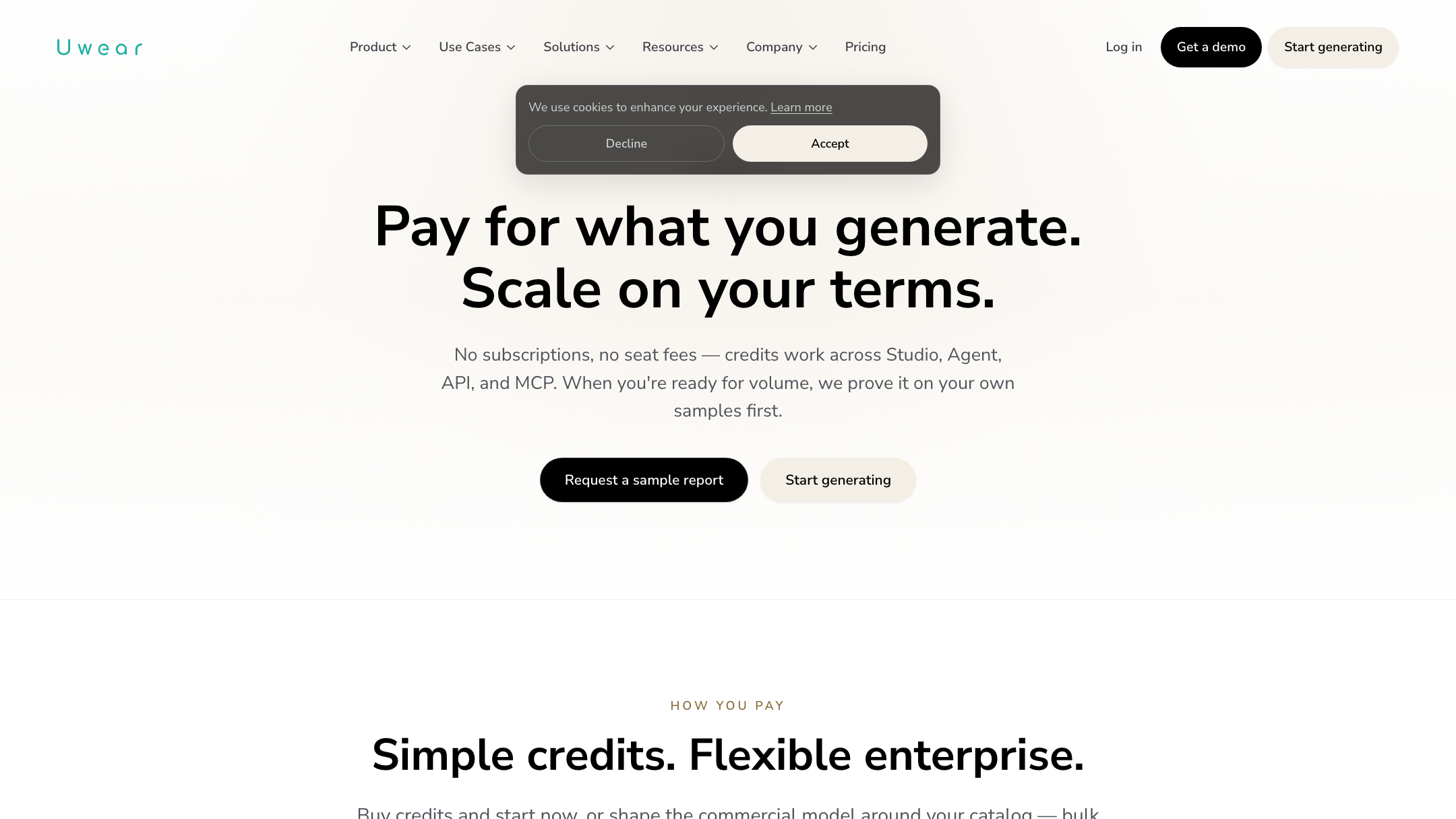
Uwear is also credit-based, so this is a value comparison between two credit systems, not one about whether credits exist. As of July 2026, Uwear lists pay-as-you-go at $0.10 per credit with no commitment. Subscription tiers are reported by third-party review sites at roughly Basic $57/mo, Plus $97/mo, and Premium $297/mo — treat those as medium-confidence and check Uwear's own pricing page before you buy. The consumer app runs separately, with a free weekly credit allowance and a Pro tier around $9.99/mo.
For a seller generating a modest catalogue each month, Pixro's $10 and $30 tiers give you a fixed number you can plan around. Uwear's pay-as-you-go is flexible but can climb with volume, and the meatier subscription tiers start higher. The honest read: Uwear's $0.10 pay-as-you-go is friendly for a one-off burst; Pixro's fixed $10/$30 is friendlier for steady monthly catalogue and video work.
Choose Uwear if you want pure pay-as-you-go with credits that do not expire. Choose Pixro if you want a predictable monthly credit bucket at $10 or $30.
Ease of access
This is Pixro's clearest wedge. Pixro is a self-serve web app at pixro.ai with an AI-agent chat — you describe what you want in plain language and a team of AI agents produces it, no dashboard to master and no store to connect. Better still, it is built for always-on delivery: connect your Shopify store, website URL, product catalogue or brand assets, and Pixro can generate ecommerce-ready, ad-ready and social-ready assets on a schedule — set it once and get fresh creatives every day.
Uwear's power sits behind its widget and API. Getting the one-click try-on onto a storefront means a Shopify or WooCommerce install, or an API integration — great if you have a developer, a barrier if you do not. Its consumer app is easy for shoppers, but that is a different audience than a seller building listings. For another take on low-friction, no-code delivery, see our Pixro vs FitRoom comparison.
Choose Uwear if you have technical hands and want a storefront widget. Choose Pixro if you want a no-code web app that can auto-deliver creatives to your store, ads and social on a schedule.
Support

Uwear offers implementation support on its enterprise track — which tells you the platform expects a rollout, a workspace, and a team. That suits larger integrations. Pixro's support meets the seller where the work happens: the AI-agent chat guides most of the job, and a real team is a message away for anything else. Brands like HRX, The Roadster and Reliance Jewels already run catalogues through it — HRX generated 500+ catalogue images with roughly a 90% cut in production time.
Choose Uwear if you want enterprise onboarding for a widget deployment. Choose Pixro if you want a guided, chat-first workflow with a responsive team behind it.
Who Pixro is best for
Sellers, founders, and small teams who want listing visuals — stills and video — without a studio, a developer, or a store plug-in. If your day is 200 SKUs and a marketplace deadline, and you would rather describe the job to an AI-agent chat than learn an API, Pixro fits. It is the all-in-one, always-on route: on-model, ghost mannequin, flat-lay, bulk catalogue, AI influencers and reels from one $10 or $30 plan.
Who Uwear.ai is best for
Teams with technical hands who want to embed try-on into a storefront, or who value a dual-sided play — a B2B studio plus a consumer app with app-store distribution. Its "Drape" model produces fast, realistic on-model images, and its pay-as-you-go pricing is easy to start. If a developer-friendly platform and a shopper-facing app are the point, Uwear is the more natural home. It is a young product, so weigh it on fit rather than track record.
Scorecard
| Dimension | Pixro | Uwear.ai | Edge |
|---|---|---|---|
| All-in-one breadth | ●●●●● | ●●●○○ | Pixro |
| On-model / try-on render | ●●●●○ | ●●●●○ | Tie |
| Catalogue consistency | ●●●●● | ●●●○○ | Pixro |
| Video + reels | ●●●●○ | ●●●○○ | Pixro |
| Model range (multi-model) | ●●●●● | ●●●○○ | Pixro |
| Developer API / widget | ●●○○○ | ●●●●● | Uwear |
| AI-agent workflow | ●●●●● | ●●●○○ | Pixro |
| Consumer distribution | ●●○○○ | ●●●●○ | Uwear |
The overall read: Uwear honestly wins on its developer API and try-on widget, and on its consumer-app distribution. Pixro wins on breadth, catalogue consistency, video, model range and its AI-agent workflow. Pick by which column describes your team.
Switching from Uwear to Pixro: what transfers

The good news is that the raw material moves cleanly. Your product photos and flat-lays are the input for both tools, so nothing needs re-shooting to switch. What changes is the workflow: instead of managing a widget install or API calls, you open Pixro in the browser, tell the AI-agent chat what you need, and get finished visuals — and reels — back.
What does not transfer is anything Uwear-specific — a live storefront try-on widget or app-driven shopper experience has no direct Pixro equivalent, because Pixro is a seller-side creative platform, not a consumer app. If that shopper-facing widget is core to your store, keep it. If it was a nice-to-have you never fully used, you lose little. Start with one slow-moving SKU, run it through both, and compare the output before you move the catalogue.
FAQ
Is Uwear.ai worth it?
For a technical team that wants a storefront try-on widget or an API, and likes the idea of a companion consumer app, yes — its on-model render is fast and realistic and its pay-as-you-go pricing is easy to start. For a non-technical seller who just needs listing images and video, the API-and-widget setup can be more than you need.
What is the best Uwear AI alternative?
It depends on your job. If you want an all-in-one, web-based creative platform — on-model, ghost mannequin, flat-lay, bulk catalogue, AI influencers and reels in one subscription, driven by an AI-agent chat — Pixro is a strong Uwear AI alternative for sellers. If you are comparing several on-model generators, our multi-tool model-generator breakdown lines them up side by side.
Does Pixro have a free plan?
Pixro is credit-based with a free trial of the paid Trial plan, so you can test it before you commit. There is no permanently free tier — the $10/mo Trial gives you 50 credits (about 30 photos or videos) to start.
Is Pixro web-based, and how do I access it?
Yes. Pixro is a browser app at pixro.ai — you sign in and work from an AI-agent chat, so there is no download, no store plug-in and no code. It generates stills and video, orchestrates 40+ models automatically, and can auto-deliver creatives to your store, ads and social on a schedule. Prefer to talk to a human first? Reach the team on WhatsApp at +91 6364871993 or email hello@pixro.ai.
The short of it
Uwear.ai points its energy in two directions — a consumer try-on app and a B2B API. That reach is real, and if you have a developer it can be an advantage. Pixro points all of its energy at one person: the seller with a phone photo and a catalogue to ship — 15+ tools, 6+ video tools, and 40+ models working like an always-on creative agency.
You have a product photo on your phone right now. Drop it into the $10 Trial and see the on-model version before your coffee is cold — then judge it against whatever else you are testing.








