Pixro vs FASHN: The Best FASHN AI Alternative (2026)
You have a garment on a hanger and a listing due tomorrow. FASHN can put that garment on a model in under ten seconds. The catch: you have to bring the model, the pipeline, and usually a developer to wire it in.
That gap is the whole comparison.
The short answer: which one, and when
FASHN is a sharp, quality-first virtual try-on and model-swap engine built for global enterprise brands that already have a store, a dev team, and an API roadmap. Pixro is the broader, no-code FASHN AI alternative — an all-in-one, web-based AI creative platform with 15+ tools under one roof, including product photoshoots, ghost mannequin, catalogue, try-on, banners, AI influencers, and a full set of video tools. It runs in your browser at pixro.ai, with an AI-agent chat that works like a creative team and 40+ underlying models picked automatically per job. Choose FASHN if try-on is your one job and you have engineers. Choose Pixro if you want the whole shoot — stills and video — done by lunch.
At a glance
| Category | Pixro | FASHN |
|---|---|---|
| Core focus | All-in-one, web-based AI creative platform: 15+ tools spanning product photoshoot, try-on, ghost mannequin, flat-lay, catalogue, AI models, AI influencers, banners, and video | Specialist virtual try-on, product-to-model, and model swap |
| Try-on / model swap | On-model looks and try-on across the suite | Pose- and lighting-preserving model swap, its core strength |
| Catalogue at scale | Bulk catalogue with consistent look across SKUs | High-volume via API, engineered per brand |
| Image + video | Full image suite plus 6+ live video tools: AI reels, product videos, image-to-video, UGC, fashion reel maker | Images and try-on; API + mobile app |
| How it works | Self-serve web app at pixro.ai with an AI-agent chat and always-on automation; connect your store, URL, or catalogue and get fresh creatives on a schedule | Self-serve web app plus developer API |
| Model range | 40+ underlying models auto-orchestrated per job (zero decisions) | Its own try-on model, tuned for one task |
| Best fit | SMB sellers and DTC brands who want finished creatives across many formats | Enterprise brands wiring try-on into a storefront |
| Pricing | Credit-based: Trial $10/mo (50 credits) · Growth $30/mo (400 credits) · Business custom | Basic $19/mo (200 cr) · Pro $49/mo · Agency $99/mo; API priced per image (as of July 2026 — check their site) |
Core features: one job vs the whole shoot

FASHN does one thing and does it with intent. Product-to-model, model swap that keeps the original pose and lighting, and consumer-facing virtual try-on. That focus is a feature, not a limitation — brands like About You, and integrations across Shopify and Pinterest, lean on exactly that narrowness.
Pixro is built the other way. It's a full creative platform, not a single tool.
Under one browser tab you get product photoshoots, ghost mannequin, flat-lay, bulk catalogue, AI models, AI influencers, banners, edits, and a set of video tools — 15+ in all. Try-on is one drawer in the cabinet, not the whole cabinet. Behind the scenes, an AI-agent chat ("what do you want to create today?") routes each job to a crew of AI agents — a creative director, art director, photographer, video editor — and orchestrates 40+ models automatically, so you never have to know which engine does what. The day you need a white-seamless pack shot, a lifestyle scene, a reel, and a sale banner — not just a garment on a model — you don't go tool-shopping.
Bottom line: choose FASHN if virtual try-on is the only job. Choose Pixro if try-on is one of many things you need this week.
Output and try-on quality
This is FASHN's home turf, and it earns the credit. Its model swap preserves pose and lighting well, and reviewers consistently call out clean, realistic try-on results and reliable uptime (as of July 2026 — check current reviews). One brand cited a sharp jump in satisfaction after wiring it in. If your bar is "the drape and the fold have to look real on a live storefront," FASHN was engineered for that bar.
Pixro's on-model output is strong and holds up for marketplace listings and social. Where it pulls ahead is range — the same garment as a studio pack shot, a ghost-mannequin hollow-man, and a lifestyle scene, from one input. Not a filter. A re-shoot. Because Pixro auto-picks from 40+ models per job, it isn't betting your whole catalogue on a single engine.
Bottom line: choose FASHN for the narrowest, deepest try-on quality. Choose Pixro when you need good on-model looks plus five other shot types.
Catalogue consistency
Run 200 SKUs and the quiet problem isn't any single image — it's whether image 199 matches image 3. FASHN can push high volume, but consistency across a big catalogue is something you engineer through its API, which means dev time and a pipeline you maintain.
Pixro's bulk catalogue is built for the no-code operator. You feed it your products — or connect your Shopify store or catalogue directly — and get a run that shares a look across the set, without writing a line of code. In real use, brands have generated 500+ catalogue images with consistent colour, texture, and logo across a collection, cutting shoot time dramatically.
Bottom line: choose FASHN if you have engineers to own the pipeline. Choose Pixro if "consistent across 200 SKUs" needs to happen without a developer.
Image and video
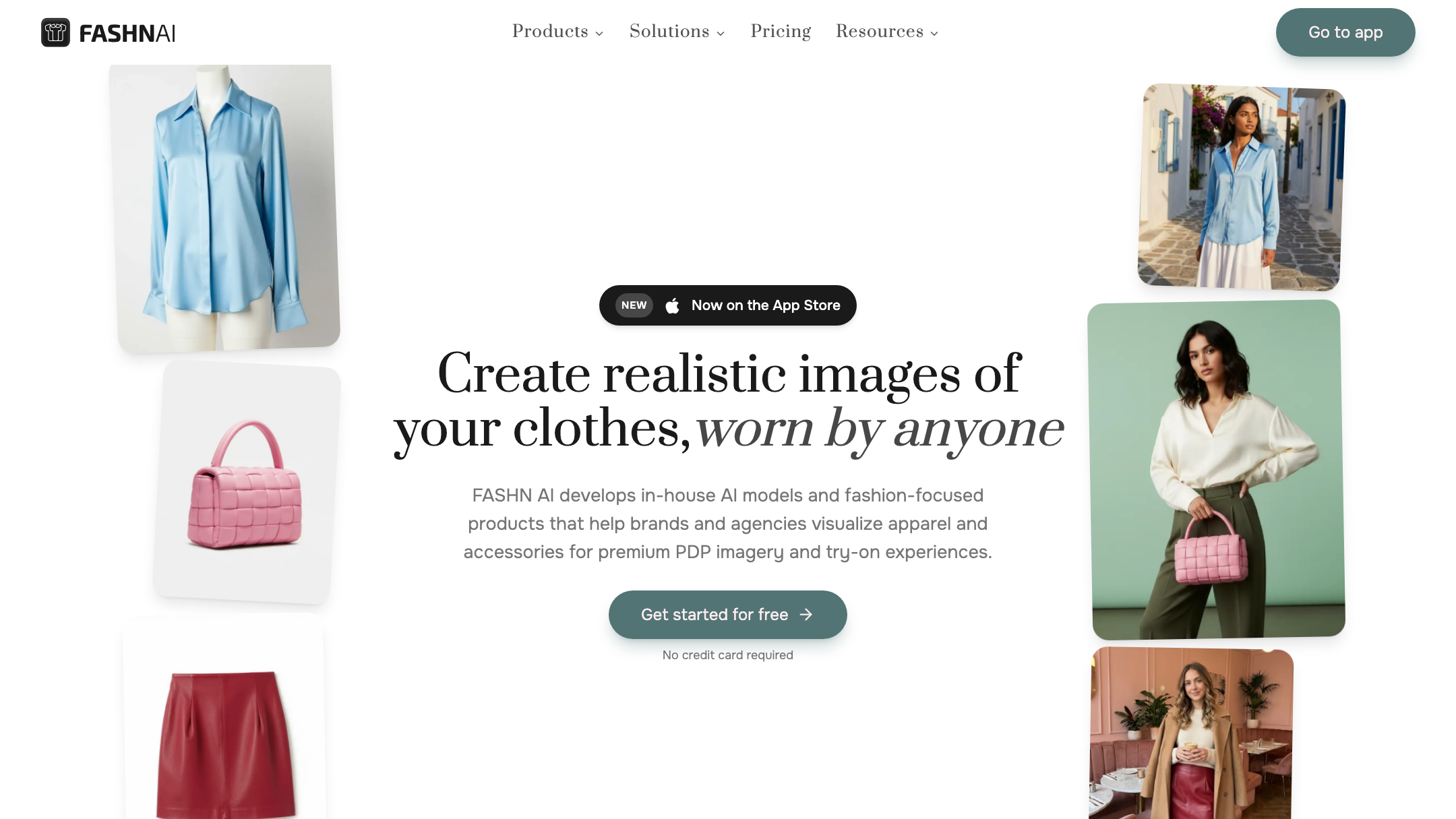
Here's the real divergence. FASHN lives in still images — that's its product. Pixro covers the wider spread of ecommerce stills — pack shots, on-model, ghost mannequin, flat-lay, banners — and ships video too.
Pixro's video suite is live and in production: 6+ tools including AI reels, product videos and commercials, image-to-video, UGC videos, and a fashion reel maker. So the same platform that shoots your catalogue also turns a product into a scroll-stopping reel, no second subscription. If short-form video sits anywhere on your roadmap, that's a same-roof capability today, not a promise.
Bottom line: choose FASHN if you only need stills. Choose Pixro if you want photo and video from one platform.
Pricing: the FASHN AI alternative math
Both are credit-based, so the honest question is what a real store pays per month.
| Plan | Pixro | FASHN (as of July 2026 — check their site) |
|---|---|---|
| Entry | Trial $10/mo — 50 credits (~30 photos/videos) | Basic $19/mo — 200 credits |
| Mid | Growth $30/mo — 400 credits (~250 photos/videos) | Pro $49/mo — 750 monthly + 50 daily credits |
| Top | Business — custom (enterprise APIs) | Agency $99/mo — 1,500 monthly + 100 daily credits |
| Developer | Enterprise APIs available — but the core product is finished creatives, not an API you assemble | API priced per image at volume |
For a store generating roughly 200 images a month, FASHN's Basic tier fits at $19, and its per-image API rate gets efficient at real volume — that's a genuine strength if you're operating at enterprise scale. Pixro's pull is the entry point and the breadth behind it: $10 gets you into the same platform that also does catalogue, banners, ghost mannequin, and video, and $30 covers a serious monthly run at ~250 outputs. Note both are credit-based — the difference is what those credits buy. FASHN credits buy try-on. Pixro credits buy the whole shoot, video included. There's a free trial of the paid plan, but no permanently free tier, plus pay-as-you-go credit packs if you spike.
One recurring gripe worth flagging: some FASHN reviewers have reported friction cancelling a subscription (as of July 2026 — verify against current support). Read the terms before you commit either way.
Bottom line: choose FASHN if per-image API cost at high volume is the metric. Choose Pixro if a low entry price across many shot types — plus video — is.
Ease of access
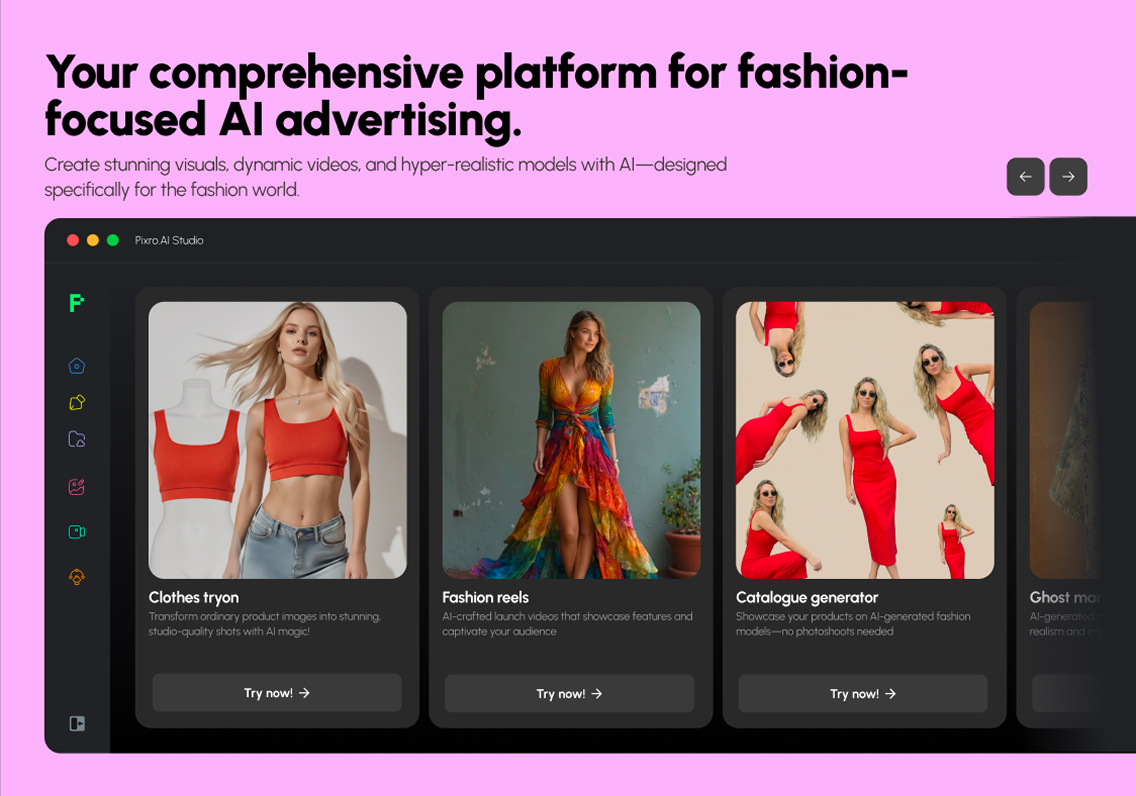
FASHN is global self-serve and API-first. You sign up, or you build. The API route assumes engineering time and a storefront to wire into.
Pixro's difference is that there's nothing to wire. It's a browser app at pixro.ai with an AI-agent chat as the front door: describe what you want, or drop in a product photo, and a creative comes back — no code, no plugin, no Shopify required. Connect a store or catalogue if you want always-on automation ("set it once, get fresh creatives every day"), or just work ad-hoc. For a lot of SMB sellers, that self-serve, no-integration path is the whole unlock.
Bottom line: choose FASHN if your team lives in dashboards and APIs. Choose Pixro if you'd rather describe a creative and get it back than build a pipeline.
Support and trust
FASHN carries real enterprise brand trust — visible integrations with Shopify and Pinterest, named brand customers, and an active public blog and changelog. If procurement asks "who else uses this," FASHN has clean answers.
Pixro is bootstrapped and growing fast, with 20+ paying brands and 1,000+ signups — including names like HRX, The Roadster, The Kids Label, Karma Dori, and Reliance Jewels — and it leans into hands-on, conversational support for sellers who want a person, not a ticket queue. Different shapes of trust for different buyers.
Bottom line: choose FASHN if enterprise references and public roadmap matter. Choose Pixro if you want direct, conversational help and proof from working brands.
Who FASHN is best for
FASHN is the right call for a global or enterprise fashion brand that already runs a storefront, has engineering to own an API, and wants best-in-class virtual try-on as a focused capability. If try-on quality is the one number your team is graded on, FASHN was built for you — and its Shopify, Pinterest, and named-brand track record backs that up.
Who Pixro is best for
Pixro fits the SMB seller, DTC founder, or catalogue operator who needs finished creatives across many shot types — stills and video — not a component to integrate. If you'd rather open a browser tab, describe the shot, and get a listing-ready image or reel back than brief a developer, Pixro is the broader FASHN AI alternative built for exactly that.
Scorecard
| Dimension | Pixro | FASHN | Edge |
|---|---|---|---|
| Virtual try-on quality | ●●●●○ | ●●●●● | FASHN |
| All-in-one breadth | ●●●●● | ●●○○○ | Pixro |
| Catalogue at scale (no-code) | ●●●●● | ●●●○○ | Pixro |
| Video + reels | ●●●●○ | ●○○○○ | Pixro |
| AI-agent workflow | ●●●●● | ●●○○○ | Pixro |
| Enterprise trust + integrations | ●●●○○ | ●●●●● | FASHN |
| Entry pricing | ●●●●● | ●●●●○ | Pixro |
Overall read: FASHN wins on try-on depth and enterprise trust; Pixro wins on breadth, video, workflow, and value. Pick by which of those describes your next 30 days.
Switching: what transfers

Moving off FASHN is light, because there's nothing to un-wire on Pixro's side — no API to decommission, no storefront plugin to rip out. Your product photos are the only asset that matters, and they carry straight over. Drop the same garment images into Pixro and you're generating on-model looks, ghost-mannequin shots, catalogue runs, and reels immediately.
What you'll redo is intentional: instead of one try-on output, you regenerate across the shot types Pixro adds — pack shots, flat-lay, banners, video — from the inputs you already own. If you're also weighing Botika in the mix, the three-way breakdown covers that head-to-head.
FAQ
Is FASHN worth it?
For a global or enterprise brand that needs focused, high-quality virtual try-on and has engineering to integrate an API, yes. Its try-on quality and enterprise references are real. For a solo seller or SMB who wants finished creatives across many shot types without a dev team, it's more tool than the job needs.
What's the best FASHN AI alternative?
Pixro, if you want breadth and no-code access. FASHN is a specialist try-on API for storefronts; Pixro is an all-in-one, web-based AI creative platform — photoshoot, ghost mannequin, catalogue, try-on, banners, AI influencers, and video — so you get a finished image or reel instead of an integration.
Does Pixro have a free plan?
Pixro is credit-based, with a free trial of the paid Trial plan — not a permanently free tier. The Trial plan is $10/mo for 50 credits (about 30 photos or videos), so you can test real output before committing to Growth at $30/mo.
Is Pixro web-based? How do I access it?
Yes — Pixro is a browser app at pixro.ai. Sign in, describe what you want in the AI-agent chat or upload a product photo, and get creatives back; no download, no plugin, no developer. If you'd like to talk to the team, reach Pixro on WhatsApp at +91 6364871993 or email hello@pixro.ai.
How does pricing compare?
Both are credit-based. FASHN runs $19 to $99/mo (as of July 2026 — check their site) plus per-image API pricing. Pixro runs $10 Trial and $30 Growth, with credits that buy any shot type in the suite — photo or video — not just try-on. See the related comparisons below for how this holds against other tools.
The honest verdict
Back to the garment on the hanger and tomorrow's deadline. FASHN will put it on a model beautifully — if you've already built the storefront around it. Pixro will hand you that on-model shot, the ghost-mannequin version, the flat-lay, the banner, and a reel, from a browser tab, before your coffee's cold.
Pick one slow-moving SKU and run it both ways this afternoon. If the finished-creative route saves you the integration, you already know which door to use.
Start on the $10 Trial and judge the output against your last shoot.
Related reads: Pixro vs Botika vs FASHN AI fashion model generators, Pixro vs Caimera, Pixro vs Modelia, Pixro vs On-Model.com, Pixro vs OnModel AI, and the best AI tools for product photoshoot guide.








