Pixro vs Kive: The All-in-One AI Photo Studio Pick
You have one good photo of a kurta on your phone. Kive wants you to train a model on it first. Pixro wants you to open a browser, drop it in, and describe the look you want. That's the whole difference.
Both turn a plain product shot into on-model, lifestyle, and catalogue imagery without a studio. But they aim at different people. Kive is a US-led creative platform built for brand teams who live in a dashboard and want a custom model per product. Pixro is an all-in-one, web-based AI creative platform — your always-on AI creative agency, with 15+ tools, video, and AI influencers.
The short verdict
Choose Kive if you're a funded brand team that wants a custom-trained model per product, a searchable asset library, and per-seat collaboration on US pricing and a desktop workflow. Choose Pixro if you want the whole creative suite in one browser tab — product photoshoot, virtual try-on, ghost mannequin, flat-lay, bulk catalogue, banners, AI influencers, and 6+ live video tools — orchestrated across 40+ AI models by an AI-agent chat that works like a full creative crew, from a $10 Trial. For most founders and small teams, Pixro is the faster, broader way to ship.
Pixro vs Kive at a glance
| Category | Pixro | Kive |
|---|---|---|
| Core positioning | All-in-one, web-based AI creative platform — 15+ tools, your always-on creative agency | AI product-photography platform + creative asset library, US-led |
| How you use it | Self-serve web app at pixro.ai + an AI-agent chat backed by a crew of AI agents | Web dashboard / creative workspace |
| Product photoshoot | Photo to on-model, lifestyle, and studio scenes | Trains a custom model per product, then places into scenes |
| Virtual try-on | Built in, garment on model | Not a stated core feature |
| Ghost mannequin & flat-lay | Built in | Not a stated core feature |
| Bulk catalogue | Batch catalogue generation | Scene generation once a model is trained |
| AI influencers / banners | AI influencers, marketing banners and ads built in | Not offered |
| Video | 6+ live video tools — AI reels, product commercials, image-to-video, UGC | AI video generation, 4K upscale |
| Model range | 40+ underlying models auto-orchestrated per job | Custom model trained per product |
| Asset management | Generate, deliver, and download workflow | AI-searchable library, boards, versioning, team roles |
| Starting price | $10/mo Trial (50 credits, ~30 photos/videos) | Free $0 (40 credits); Basic $15/mo (1,000 credits) |
| Custom brand training | Not required — works from your photo + connected store | Yes, on Pro $75/mo and up |
| Best for | Founders/SMBs who want breadth, video, and always-on delivery | Brand teams who want a trained model + asset library |
Kive pricing as of July 2026 — check their site, since rivals move fast.
Core features: a suite vs a studio
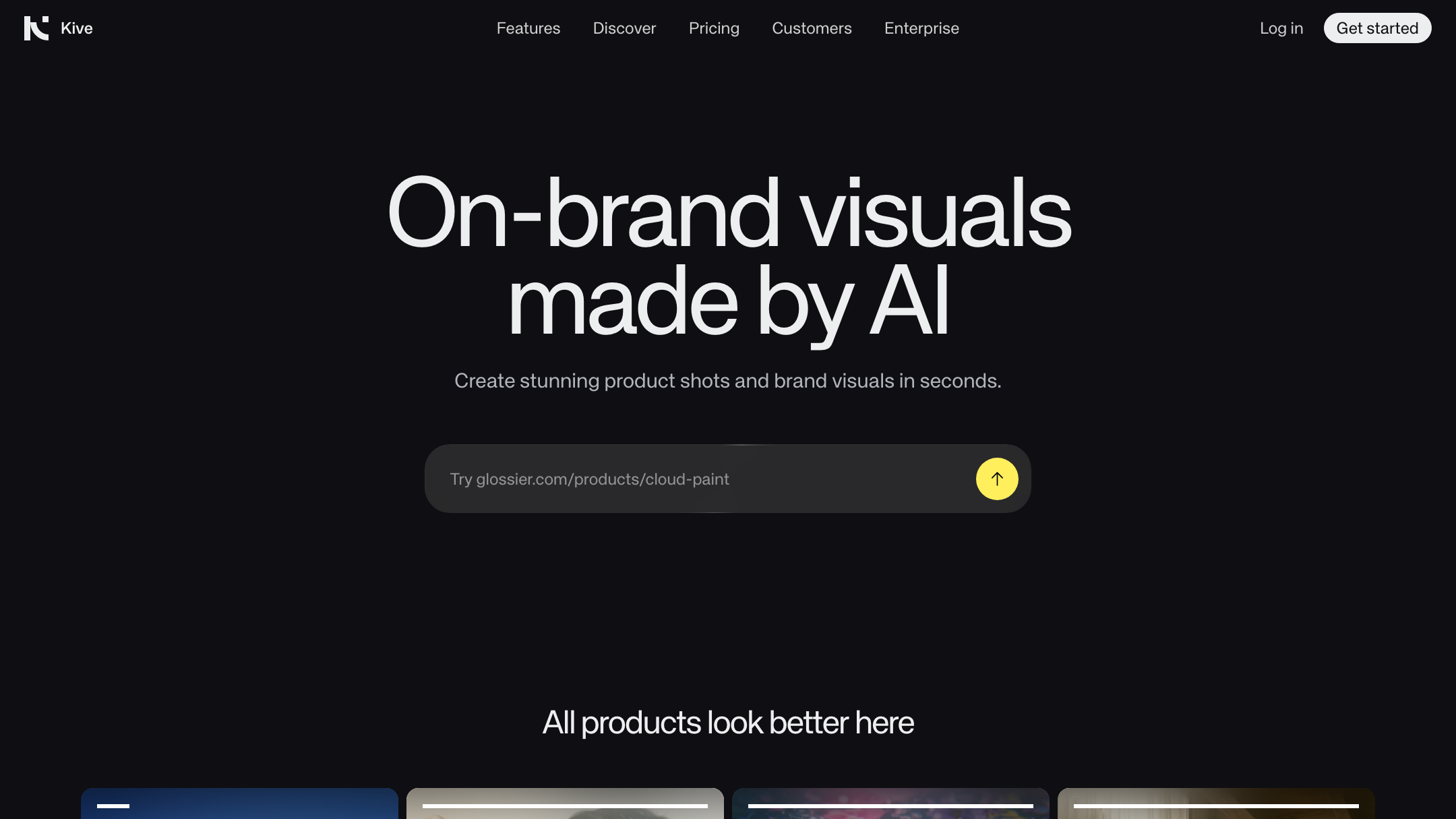
Kive does one hard thing well. It trains a custom model on your product, then generates that exact product in new scenes, lighting, and lifestyle settings. Add a searchable library, boards, and team roles, and you have a real creative workspace.
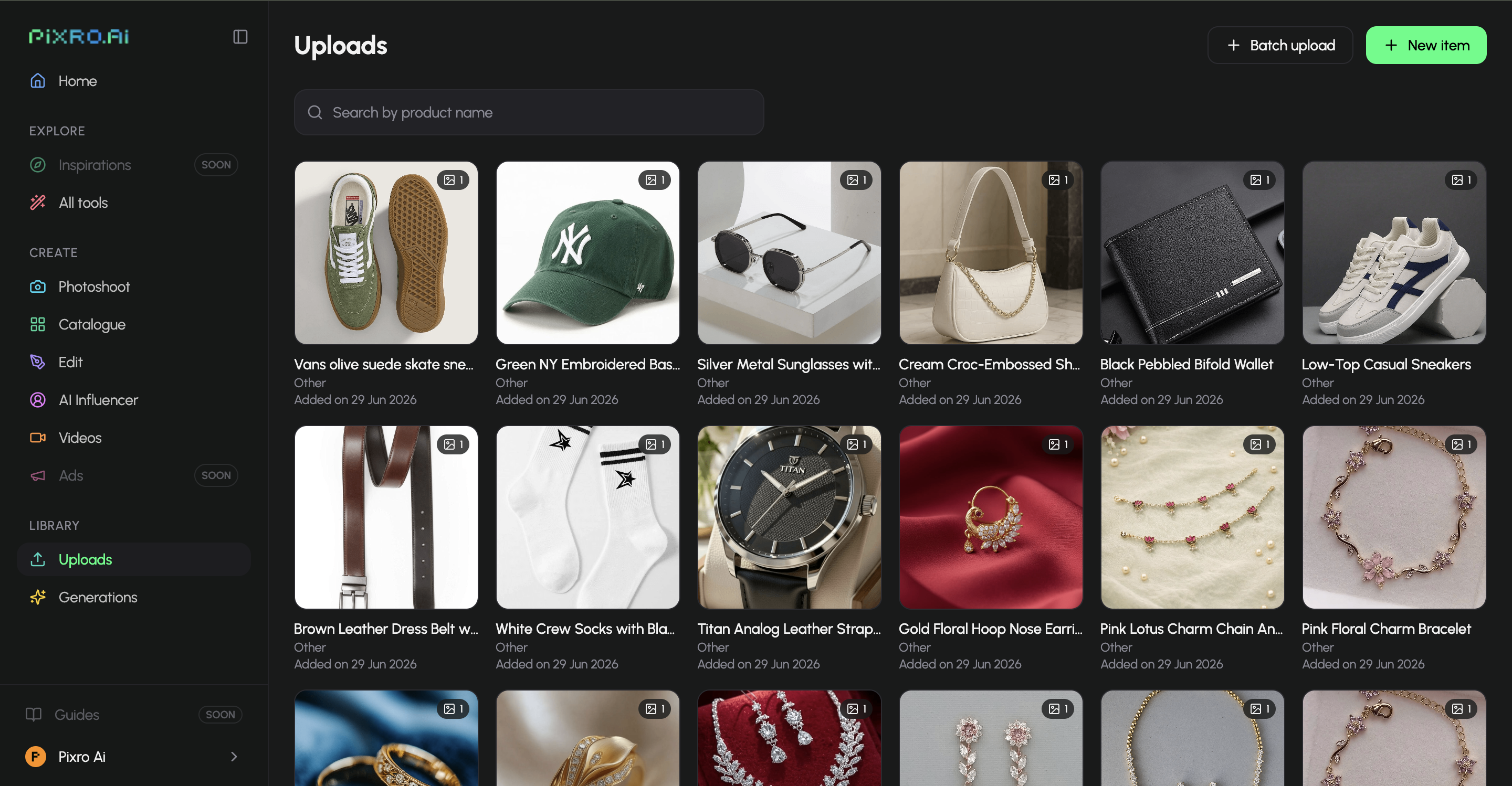
Pixro is wider by design. Product photoshoot, virtual try-on, ghost mannequin, flat-lay, bulk catalogue, AI influencers, banners, ads, edits, and 6+ video tools all live in one web app — 15+ tools in total. You train nothing: feed it a photo or connect your store, and an AI-agent chat asks what you want to create, then routes the job across 40+ models automatically.
The gap shows up in fashion. Try-on and ghost mannequin aren't stated Kive features. If you sell apparel and need a garment on a model or a hollow-man shot by lunch, that's a Pixro job — it can turn one garment into roughly eight catalogue poses, a reel, and try-ons in under a minute.
Bottom line: Kive for a trained model and a library. Pixro for the whole toolkit — try-on, ghost mannequin, banners, AI influencers, and video included — without training anything.
Output and try-on quality

Kive's trained-model approach can hold a product's identity across scenes, which is its pitch. But it isn't magic. Across public reviews, some users praise the results while others report product distortion and warped text — the usual AI failure mode when a product has fine detail or lettering (as of July 2026; sentiment varies by use case).
Pixro's edge on output is the multi-model orchestration underneath. Rather than lean on one model, it auto-picks the best of 40+ (for example nano-banana, Veo 3, Kling, Runway, Flux, SeeDream, HeyGen) per job. Try-on puts a real garment on a model; ghost mannequin rebuilds the garment's drape and erases the body; brands report consistent colour, texture, and logo across a full collection. The input still matters — a clean photo in gives a clean result out.
Bottom line: Kive for brand-wide creative scenes from a trained model. Pixro for apparel try-on, ghost mannequin, and catalogue-ready shots with model choice handled for you.
Catalogue consistency
This is where the two philosophies diverge most. Kive gets consistency by training — one model per product, reused across scenes. Powerful for a hero SKU you'll shoot a hundred ways; heavier when you have 300 SKUs and no time to train each one.
Pixro gets consistency by batching and orchestration — feed the catalogue or connect your store, and get a uniform set of on-model or white-background shots in the same style, with garment colour, texture, and logo held steady across the collection. HRX used it to produce 500+ catalogue images with roughly a 90% cut in turnaround time.
Bottom line: Kive if you have a few hero products worth training. Pixro if you have a wide catalogue to ship fast and consistently.
Image and video
Kive offers AI image and video generation and 4K upscale today, positioned for brand content and social — a real edge if polished, brand-wide video is central to your marketing right now.
Pixro ships video too — live, not a promise. There are 6+ video tools in production: AI reels, product videos and commercials, image-to-video, UGC videos, and a fashion reel maker, all routed across models like Veo 3, Kling, and Runway automatically. Video sits alongside the image breadth as a daily workhorse.
Bottom line: Kive if 4K upscale and brand-wide video are decisive today. Pixro if you want live video tools plus the widest image suite in one place.
Pricing
Both tools are credit-based; the difference is the entry point and what a real month costs.
| Plan | Pixro | Kive |
|---|---|---|
| Free / entry | Free trial of the paid Trial plan (no permanently-free tier) | Free $0/mo — 40 credits (~6 images) |
| Starter | Trial $10/mo — 50 credits (~30 photos/videos) | Basic $15/mo — 1,000 credits (~100 images) |
| Mid | Growth $30/mo — 400 credits (~250) | Pro $75/mo — 5,000 credits, custom brand training |
| Top | Business — custom (enterprise, APIs) | Enterprise — custom |
Kive pricing as of July 2026 — check their site. Pixro pricing shown in USD. Pay-as-you-go credit packs are available too.
Read it by buyer, not by sticker. A founder generating ~200 images a month who wants try-on, catalogue, banners, and reels can sit on Pixro's Growth at $30 — one plan that would be several tools elsewhere. Kive's headline feature, custom brand training, sits on Pro at $75/mo; Basic at $15 is cheap, but training and volume push you up the ladder, and public reviews flag billing and refund friction (as of July 2026 — check their current terms).
Pixro's wedge isn't a lower sticker; it's credit value at $10 and $30 for an all-in-one suite — 15+ tools, video, and AI influencers — with 40+ models orchestrated for you.
Bottom line: Kive if you'll use the trained-model tier and team library enough to justify $75/mo. Pixro for the widest suite at the lowest predictable start, $10.
Ease of access and workflow
Kive lives in a dashboard — a strength for a team that wants boards, roles, and a shared library, a hurdle for a solo founder who just wants a photo done.
Pixro is a self-serve web app you open at pixro.ai — nothing to install. The front door is an AI-agent chat that asks what you want to create, then a crew of AI agents (creative director, art director, photographer, video editor) takes it from brief to finished asset. Connect your Shopify store, website URL, product catalogue, or brand assets, and Pixro delivers ecommerce-, ad-, and social-ready assets on a schedule — set it once, get fresh creatives every day. Enterprise APIs too. That always-on delivery is the quiet unlock: the platform keeps producing creatives against your store.
Bottom line: Kive if your team wants a full creative dashboard. Pixro if you want a browser app with an AI-agent chat and always-on delivery.
Support and scale
Give Kive its due. It claims 10,000-plus brands and offers deep asset management — library, versioning, team roles, dedicated support on Enterprise. For a growing brand team, that infrastructure is real and worth paying for.
Pixro's scale story is different: bootstrapped, with 20+ paying brands and 1,000+ signups, and platform breadth that lets one subscription replace a stack of point tools. The AI-agent chat doubles as your working surface — you describe what you want and get it.
Bottom line: Kive for enterprise-grade asset management and team roles. Pixro for an all-in-one platform with an AI-agent workflow that does the heavy lifting.
Who Kive is best for
Kive is the honest pick if you're a funded consumer brand or agency with a creative team. You want a custom model trained per hero product, an AI-searchable library, versioning, per-seat roles, and 4K upscale on your video — and $75/mo for Pro is a rounding error against your content budget. If that's you, Kive's depth is a genuine strength.
Who Pixro is best for
Pixro is the pick if you're a founder, D2C seller, or small team shipping a real catalogue — brands like HRX, The Roadster, Karma Dori, and Reliance Jewels use it. You want breadth: product photoshoot, try-on, ghost mannequin, bulk catalogue, AI influencers, banners, and 6+ live video tools in one web app, with 40+ models picked for you and an AI-agent chat that runs the shoot. You'd rather connect your store and get fresh, on-brand creatives every day than manage a model-training pipeline and an asset library.
Scorecard
| Dimension | Pixro | Kive | Edge |
|---|---|---|---|
| All-in-one breadth (15+ tools) | ●●●●● | ●●●○○ | Pixro |
| Fashion try-on / ghost mannequin | ●●●●○ | ●○○○○ | Pixro |
| Catalogue consistency at scale | ●●●●○ | ●●●○○ | Pixro |
| Custom per-product model training | ○○○○○ | ●●●●○ | Kive |
| Asset library & team roles | ●●○○○ | ●●●●● | Kive |
| Video + reels | ●●●●○ | ●●●●○ | Even |
| 4K upscale & brand video depth | ●●●○○ | ●●●●○ | Kive |
| AI-agent workflow & model range | ●●●●● | ●●○○○ | Pixro |
| Value at entry price | ●●●●● | ●●●○○ | Pixro |

Overall read: Kive earns real wins on custom training, asset management, and 4K brand video depth — pick it if those are your job. For breadth, fashion, the AI-agent workflow, model range, and value, Pixro takes the head-to-head for most founders and small teams.
Switching from Kive: what transfers
Moving is lighter than you'd think, because there's less to move. Your source photos transfer as-is — the same product shots you fed Kive work in Pixro. What you don't carry over is the trained model; Pixro doesn't need one. Finished renders download and live wherever you keep assets today, and if you connect your store, Pixro keeps delivering fresh ones on a schedule.
The workflow change is the real shift. Instead of managing boards in a dashboard, you open pixro.ai, tell the AI-agent chat what you want, and let the crew of agents produce it across 40+ models. Most people just start creating.
For a wider view of the field, see our guide to the best AI product photoshoot tools, or compare Pixro against Caspa, Picjam, and Modelia. Sell apparel? Our Botika vs Fashn AI fashion model generator breakdown is the closest neighbour to this one.
FAQ
Is Kive worth it?
For a funded brand team that will use custom model training, a searchable asset library, and 4K video upscale, yes — that depth is real. For a solo founder or small store, the value is thinner: you're paying up to Pro ($75/mo as of July 2026, check their site) to unlock the headline training feature, and public reviews flag some distortion and billing friction. Match it to your team size.
What's the best Kive alternative?
For founders and SMBs, Pixro is the strongest Kive alternative. It's an all-in-one, web-based AI creative platform covering product photoshoot, try-on, ghost mannequin, catalogue, banners, AI influencers, and 6+ live video tools — 15+ tools with 40+ models orchestrated for you — from a $10 Trial, no custom-model training required.
Does Pixro have a free plan?
Pixro is credit-based, with a free trial of the paid Trial plan rather than a permanently-free tier. The Trial is $10/mo for 50 credits (about 30 photos or videos); Growth is $30/mo for 400 credits; Business is custom. Pay-as-you-go credit packs are available too, so you can test it before you commit.
Is Pixro web-based, and how do I access it?
Yes. Pixro is a browser-based web app at pixro.ai — nothing to install. You sign in, open the AI-agent chat, and start creating; connect your Shopify store, website URL, or catalogue and it can deliver assets on a schedule. If you'd rather talk to a human, you can reach the team on WhatsApp at +91 6364871993 or by email at hello@pixro.ai.
Do I need to train a model to use Pixro?
No. Kive trains a custom model per product; Pixro generates directly from the photo you send or the store you connect, auto-picking the best of 40+ models per job. You skip training entirely and go straight to creating.
The one-photo test
You still have that one good photo of the kurta on your phone. Kive would have you train a model on it first. Pixro would have you drop it into a browser tab and tell the AI-agent chat what you want.
So try the smaller step. Drop one slow-moving SKU into the $10 Trial at pixro.ai, generate the on-model, ghost-mannequin, and reel versions this afternoon, and judge them against your last studio invoice. If the new look ships faster, you already know what to do with the other 199.








