Pixro vs TopView: AI Alternative for Ecommerce Sellers
You have a product and a deadline. TopView wants to turn it into a scroll-stopping TikTok ad. Pixro wants to build the whole campaign first — the on-model photo, the ghost-mannequin shot, the try-on, the catalogue — and then hand you the reel, all from one browser tab.
That's the real split between these two tools. So before the tables, the short version.
Pixro vs TopView: the short version
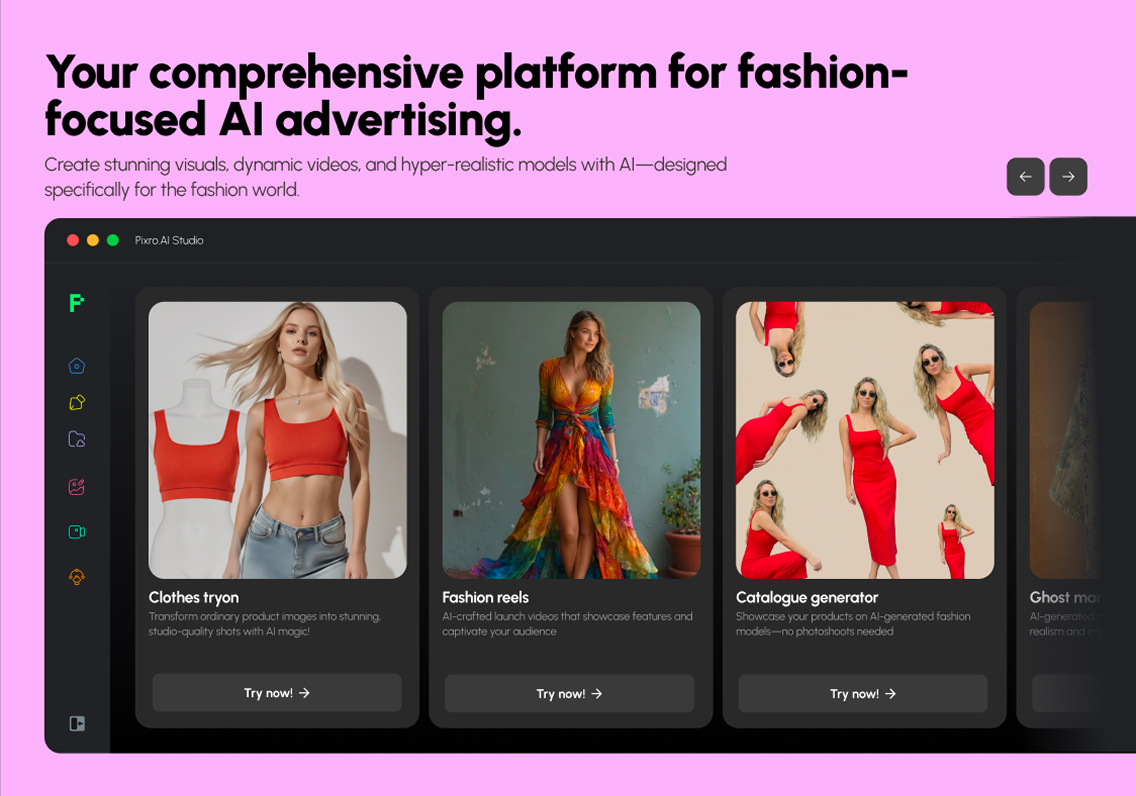
TopView is a well-funded AI video-ad platform — text, a product URL, or an image goes in, and a UGC-style video ad comes out, avatars and voice cloning included. It's built for sellers who live on paid social. Pixro is the TopView AI alternative for ecommerce teams who need more than one deliverable: an all-in-one, web-based AI creative platform with 15+ tools — product photoshoots, virtual try-on, ghost mannequin, flat-lay, bulk catalogue, banners, AI influencers, and 6+ live video tools — driven by an AI-agent chat that works like a full creative team.
Choose TopView if a polished video ad is the whole job. Choose Pixro if you need a listing's worth of images, a reel, and an AI influencer post — without a studio, a dev team, or five separate subscriptions.
At a glance
| Category | Pixro | TopView |
|---|---|---|
| Primary job | All-in-one AI creative platform: photos, try-on, video, AI influencers | AI video ads from text, product URL, or image |
| Static product photos | Core: on-model, flat-lay, background swaps, banners | Adjacent image gen; built around video output |
| Virtual try-on / ghost mannequin | Built in for apparel and accessories | Try-on-style templates, not a dedicated apparel suite |
| Video / UGC | Live: 6+ video tools — reels, product commercials, image-to-video, UGC | Core strength: UGC ads, avatars, voice cloning |
| Bulk catalogue | Batch product shots for large SKU counts | Bulk video creation, not catalogue stills |
| Workflow | AI-agent chat orchestrating 40+ models automatically | Web app, collaborative creative board |
| Pricing | Trial $10/mo (50 credits), Growth $30/mo (400 credits) | Pro $29/mo, Business $75/mo, Ultra $150/mo (as of July 2026) |
| Best for | Sellers wanting photos, try-on, video and influencers in one place | Global sellers who live on TikTok and paid video |
Now the detail, category by category. TopView earns real credit here — it's not a thin tool, and the honest comparison still points different buyers in different directions.
Core features: a full creative platform vs a video engine
Pixro starts with breadth. You drop in a phone shot of your product and get back the on-model version, the flat-lay, the ghost-mannequin shot, the background swap, the marketplace banner — and, from the same product shot, a reel or a UGC-style video. It's a no-code, all-in-one creative platform: 15+ tools spanning product photoshoot, virtual try-on, AI influencers, and 6+ live video tools, all in one browser app at pixro.ai. Instead of picking a model or a preset, you tell an AI-agent chat what you want to create, and a crew of AI agents — creative director, art director, photographer, video editor — takes it from there.
TopView starts with the ad. Feed it a product URL, a line of text, or an image, and it builds a video — script, clips, voiceover, editing, all handled. Its avatars and voice cloning are genuinely strong, and its real-time collaborative creative board is built for teams shipping a lot of paid social. This is a video-first engine, and it's a good one.
Choose TopView if your bottleneck is video ads at volume. Choose Pixro if your bottleneck is everything a listing needs — the twelve pictures, the try-on, and the reel — from one tool.
Output and try-on quality

Here's the honest line no AI tool likes to admit: your input shapes your output. Both tools rebuild from what you feed them.
Pixro is tuned for apparel and product realism — a shirt that holds its shape on a ghost mannequin, a dress that drapes right in a try-on, a texture and logo that survive a background swap across a whole collection. That's the point of a fashion-specific suite: it knows what a collar and a hem are supposed to do. Under the hood, Pixro orchestrates 40+ models (think nano-banana, Veo 3, Kling, Runway, Flux, SeeDream, HeyGen) and auto-picks the best one per job, so you get the right engine without making the decision.
TopView's image generation and try-on-style templates are adjacent to its video work — useful, but built to feed a video pipeline rather than to ship a marketplace-grade still. Reviewers in 2026 note its avatar quality is strong for the price, with lip-sync still landing around 80-85% accurate — close, but you'll catch the misses on a hero clip.
Choose TopView if you want an avatar talking about your product. Choose Pixro if you want the garment itself to look shot in a studio you never rented.
Catalogue consistency
One hoodie is easy. Two hundred SKUs that all have to match — same lighting, same crop, same background — is the real job.
Pixro is built for that batch. Run a whole catalogue through and the shots come back consistent, holding colour, texture, and logo across the collection, which is what marketplaces and your own product grid actually reward. One brand, HRX, ran 500+ catalogue images through Pixro and cut roughly 90% of the time it used to take. TopView's bulk mode is about producing many videos, not a uniform wall of catalogue stills. Different problem, different tool.
Choose TopView if you need fifty ad variations to test. Choose Pixro if you need five hundred product photos that look like one shoot.
Image + video: the overlap
This is where the two tools brush against each other, and where being fair matters most.
TopView is the more mature, more specialised video-ad engine today — that's its funded, well-traveled core, with 5M+ users and a Series A behind it. If a single polished UGC video ad is the deliverable, it's ahead on that specific format. Pixro's video is live too — 6+ tools covering AI reels, product commercials, image-to-video, and UGC — and its angle is different: it bundles video with the photography, try-on, and AI influencers, so the reel comes from the same place as the catalogue, off the same product shot. The pitch isn't "we out-specialise TopView on TikTok ads" — it's "you don't leave your creative platform to get the reel."
Choose TopView if a standalone video ad is the product. Choose Pixro if you'd rather one tool cover the photos, the try-on, and the video from the same product shot.
Pricing: transparent tiers on both sides
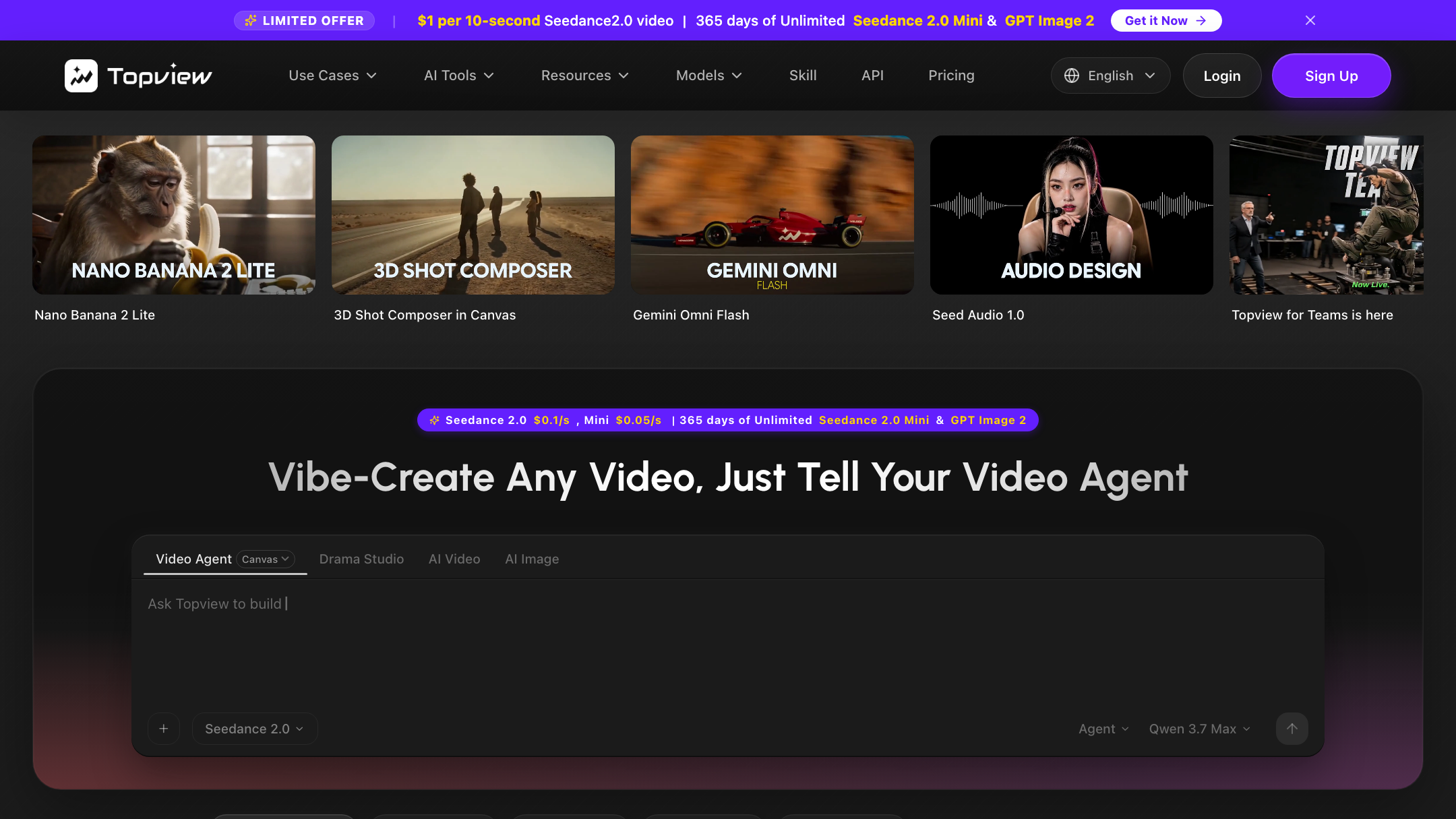
Credit to TopView here — its pricing is public and clear, which not every rival manages. As of July 2026 (check their site), TopView runs Pro at $29/mo (960 credits/year), Business at $75/mo (3,000 credits/year), and Ultra at $150/mo (500 credits/month), with Team seats at $130/mo and custom Enterprise. No free plan — the free tier is a 10-credit demo with watermarks.
Pixro is also credit-based, and priced to start small: Trial at $10/mo (50 credits, roughly 30 photos or videos) and Growth at $30/mo (400 credits, roughly 250), with a custom Business/Enterprise tier for larger needs. There's no permanently free plan — you get a free trial of the paid Trial plan, plus pay-as-you-go credit packs.
| Plan | Pixro | TopView (as of July 2026) |
|---|---|---|
| Entry | Trial $10/mo — 50 credits (~30 photos/videos) | Pro $29/mo — 960 credits/yr |
| Mid | Growth $30/mo — 400 credits (~250) | Business $75/mo — 3,000 credits/yr |
| High | Business — custom (Enterprise APIs) | Ultra $150/mo — 500 credits/mo |
| Free | Free trial of the Trial plan; no free tier | 10-credit demo, watermarked |
For a store shipping ~200 assets a month, the question isn't which sticker is smaller — it's what each credit buys. TopView's credits go toward video renders; some 2026 users note the quota drains faster than expected on heavier clips. Pixro's credits cover the photography, try-on, catalogue, video, and AI-influencer work a brand needs across the funnel. Different currencies for different jobs.
Choose TopView if your budget is a video ad budget. Choose Pixro if $10 to start and photos-plus-video-plus-influencers from one balance fits how you actually work.
Ease of access: two web apps, two workflows
Both tools run in the browser — no install. TopView lives in a capable web app with a collaborative board, great for a marketing team at desks who mostly ship video.
Pixro is a self-serve web app at pixro.ai built around an AI-agent chat: you type what you want to create — "a summer campaign for this dress" — and a team of AI agents plans and produces it, auto-choosing from 40+ models. Connect your Shopify store, a website URL, a product catalogue, or your brand assets, and Pixro can generate ecommerce-ready, ad-ready and social-ready assets on a schedule — set it once, get fresh creatives every day. For a solo founder or a small team, that's the difference between "I'll brief a designer later" and "it's already in my library."
Choose TopView if a desktop creative board suits your team. Choose Pixro if you'd rather describe the campaign and have an AI crew build it, on a schedule, from your store.
Support and access
TopView backs a 5M+ user base with docs, templates, and tiered support that scales up to a dedicated Enterprise manager — the benefit of funding and scale. Pixro, bootstrapped with 20+ paying brands and 1,000+ signups, offers direct support and Enterprise APIs, and you can reach the team quickly when you need a hand. Neither is wrong; they suit different buyers.
Choose TopView if you want the depth of a large, funded platform. Choose Pixro if you want a direct line and a platform that keeps adding tools.
Who TopView is best for
TopView is the right call if video ads are your growth engine. Global sellers running paid TikTok and Meta, agencies producing UGC at volume, teams that want avatars and voice cloning and a shared creative board — this is a well-funded, widely used tool that does that job well. If your calendar is full of ad variations to test, TopView is built for exactly that, and its transparent pricing makes it easy to plan around.
For a fuller picture of the AI-video-ad field, it's worth reading Pixro against the other players: Pixro vs Creatify and Pixro vs Arcads both cover UGC-ad tools head to head.
Who Pixro is best for
Pixro is the TopView AI alternative for ecommerce sellers whose problem isn't one deliverable but the whole creative pipeline. If you're an apparel or product brand that needs on-model photos, virtual try-on, ghost mannequin, a consistent bulk catalogue, AI influencers, and the reel to come from the same product shot, Pixro covers that breadth in one web app — 15+ tools, 40+ auto-orchestrated models, and an AI-agent chat that runs it like a creative team. Brands like HRX, The Roadster, The Kids Label, Karma Dori, and Reliance Jewels already lean on it; one garment can yield roughly eight catalogue poses, a reel, and try-ons in under a minute.
If your catalogue is the priority, these comparisons go deeper: Pixro vs Tagshop on shoppable content, and Pixro vs Botika vs FASHN on AI fashion-model generators.
Switching: what transfers
Moving between these two isn't really a migration — they do different jobs, so most teams add rather than replace. Your product photos come with you: whatever you've shot or generated is just an input Pixro can build on across photography, try-on, and video. What doesn't transfer is TopView's video templates and avatar setups — those live in its pipeline. If you're leaving TopView because the credit quota drained faster than the videos justified, start Pixro on the $10 Trial, run one listing end to end — photos, try-on, and a reel — and judge it against your last shoot before you scale up.
FAQ

Is TopView worth it?
If video ads are your main channel, yes — TopView is a well-funded, widely used AI video-ad platform with strong avatars, voice cloning, and transparent pricing (as of July 2026, check their site). It's less suited to teams whose need spans marketplace-ready product photos, try-on, catalogue, and influencers alongside video.
What's the best TopView alternative for ecommerce?
For sellers who need product photography, virtual try-on, ghost mannequin, bulk catalogue, AI influencers, and live video in one place, Pixro is the closest fit. For pure video-ad rivals, compare Creatify and Arcads too.
Does Pixro have a free plan?
Pixro is credit-based, with no permanently free tier. You get a free trial of the paid Trial plan ($10/mo, 50 credits) so you can run real product shots before committing.
Is Pixro web-based, and how do I access it?
Yes — Pixro is a browser app at pixro.ai. You sign in, describe what you want in the AI-agent chat, and get ecommerce-ready assets back; you can also connect your Shopify store or catalogue for scheduled delivery. Prefer to talk to a human first? Reach the team on WhatsApp at +91 6364871993 or email hello@pixro.ai.
Can Pixro make video like TopView?
Yes — Pixro has 6+ live video tools covering AI reels, product commercials, image-to-video, and UGC, bundled with the photography and try-on. TopView is the more specialised standalone video-ad engine; Pixro's angle is keeping photos, try-on, video, and influencers in one place.
The scorecard
| Dimension | Pixro | TopView | Edge |
|---|---|---|---|
| Static product photography | ●●●●● | ●●○○○ | Pixro |
| Virtual try-on / ghost mannequin | ●●●●○ | ●●○○○ | Pixro |
| Catalogue consistency | ●●●●● | ●●○○○ | Pixro |
| Video ads / UGC | ●●●●○ | ●●●●● | TopView |
| Avatars / voice cloning | ●●○○○ | ●●●●○ | TopView |
| Scale / funding / traction | ●●●○○ | ●●●●● | TopView |
| All-in-one breadth (15+ tools) | ●●●●● | ●●○○○ | Pixro |
| Value to start ($10 entry) | ●●●●○ | ●●●○○ | Pixro |
Overall read: TopView wins the specialised video ad, the avatars, and the scale — it's the stronger standalone paid-video engine. Pixro wins the photos, the try-on, the catalogue, the breadth, and the AI-agent workflow. Pick by your bottleneck this quarter.
Try it on one listing
You've got a product photo on your phone right now. TopView would turn it into an ad. Pixro will first give you the on-model shot, the ghost mannequin, and the try-on — then the reel and an AI-influencer post — all from one browser tab and one AI-agent brief.
Start on the $10 Trial, run one real listing end to end, and judge the pictures and the reel against your last shoot. Then decide which tool your next quarter actually needs.








