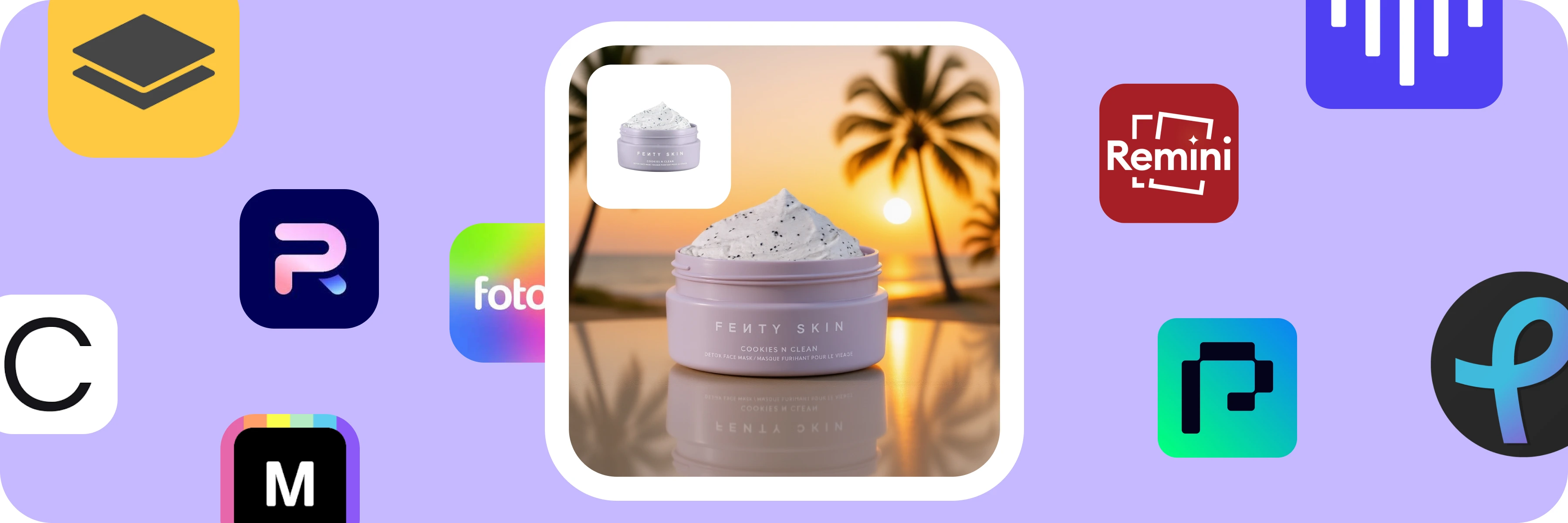
9 Best Free AI Tools for Photo Editing in 2025
What if you could rescue that dull, flat photo buried in your camera roll… and make it look like it was shot in a $2,000 studio and in less time than it takes to sip your coffee?
That’s exactly what today’s smartest AI photo editors can do for you.
So, no more squinting at Photoshop layers until midnight. No more begging your “one friend who’s pro at editing” to edit your pictures. Or if you are a photographer chasing that jaw-dropping shot, an influencer trying to break the algorithm, or a small business owner who just wants their products to pop — these AI photo editing tools (free and powerful) are like having a pro editor in your back pocket.
And the best part? Most are free.
Today, we have compiled 9 insanely useful AI photo editors you can try right now. Some restore old family photos like magic. Some turn one boring product shot into a full lifestyle campaign. Some even make videos from still images. All of them? Huge time-savers and true fun! Best Photo Editing AI Tools You Can Use for Free
The right photo editing AI tool can turn hours of work into minutes and give you results you’d swear came from a professional. These AI image editors are just like you have your own mini studio in your pocket. Because most of these are mobile AI photo editors, you don't need to open the desktop for small edits. Moreover, it’s not just hype, because TechCrunch recently pointed out how AI editing tools are changing the game, making pro-level results something anyone can get, not just designers or photographers. Many of these AI photo enhancer software options are completely free or offer generous free tiers. That means you can try them, test them, and see which one makes your photos stand out without spending a cent.
1. Pixro AI
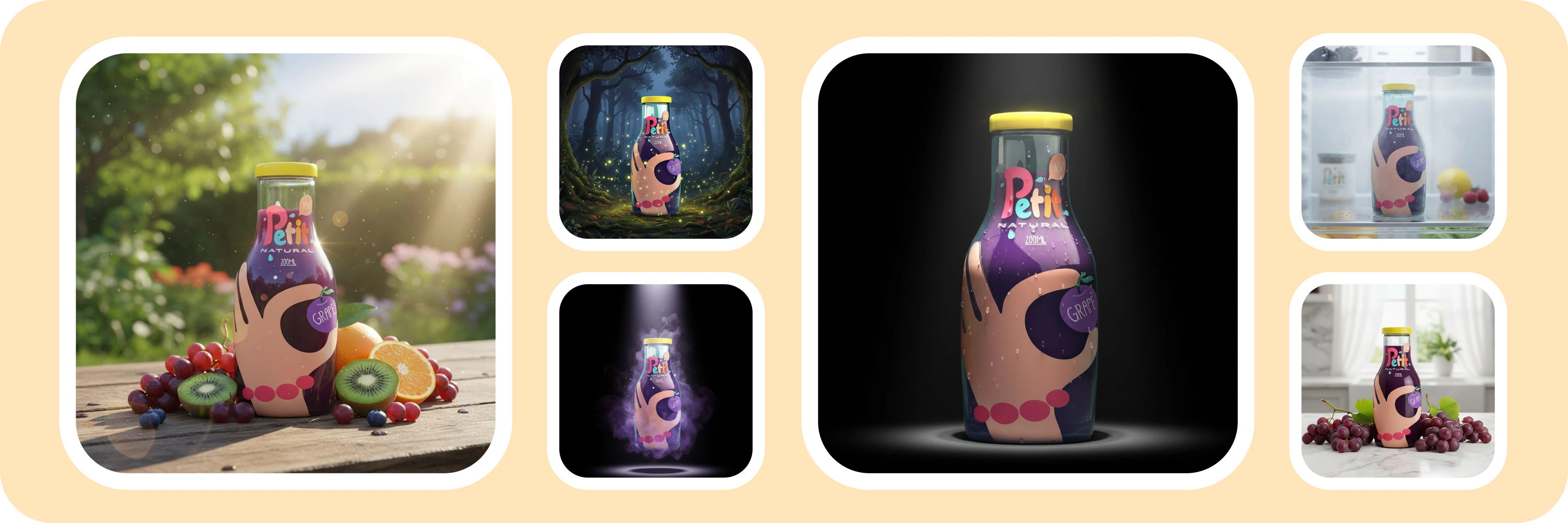
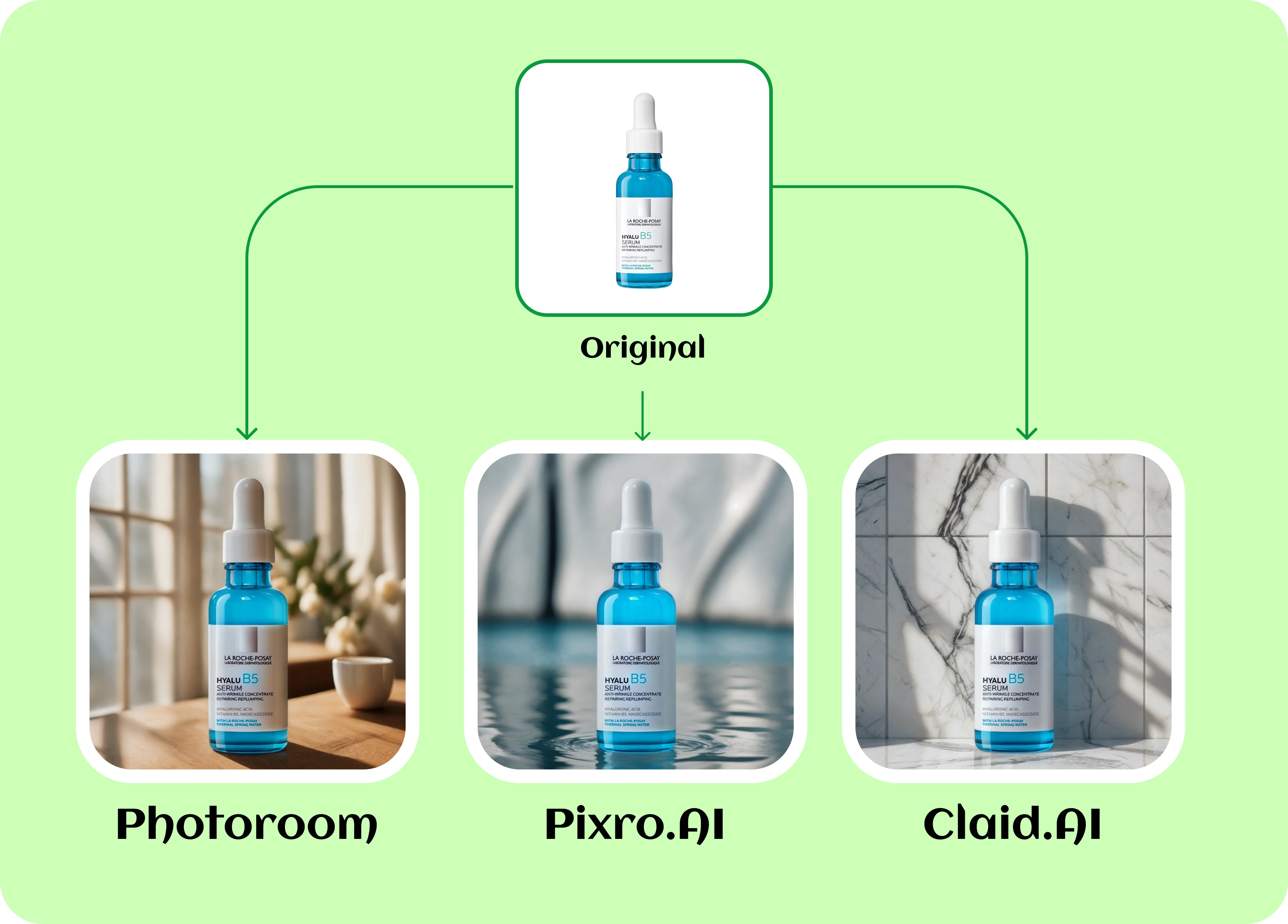
Pixro.AI makes one photo go a long way. Drop in a single product shot and it doesn’t just clean it up, it builds out ad creatives, lifestyle scenes, and even short videos in your brand’s style. It’s like having a designer, photographer, and video editor on call, without paying for any of them.
Pros:
Generates multiple ad creatives from a single photo
AI product placement in realistic backgrounds and lifestyle scenes
Creates short videos from still images
No design skills required
Web-based — works anywhere
Cons:
As a newer platform, some template options may still be expanding
Occasional minor tweaks may be needed for perfect brand consistency
9 Best Free AI Tools for Photo Editing in 2025 - Intro
2. PhotoRoom
PhotoRoom removes messy, distracting backgrounds in seconds, leaving you with polished, professional-looking shots ready for your shop page, social media, or next campaign. PhotoRoom makes that headache disappear in seconds. Here you need to upload your picture, tap once, and you will get a clean, polished image perfectly ready for your shop page, Instagram feed, or next marketing campaign.
Pros:
One-click background removal that’s fast and accurate
AI-generated background scenes for instant product mockups
Works on both mobile and desktop
Library of templates for e-commerce, social media, and marketing
Free plan available with solid functionality
Cons:
Free plan has limited exports and lower resolution
Needs internet connection (no offline mode)
Few AI-generated backgrounds might need manual tweaking
Some outputs may need manual fine-tuning for brand consistency
9 Best Free AI Tools for Photo Editing in 2025 - Photoroom vs Pixro vs Claid
3. Claid.ai
Claid.ai is a professional AI photo enhancer software designed specifically for e-commerce and product photography. This tool takes care of all the hard work for you, making sure every image is crisp, color-true, and ready to stand out on any online marketplace. Got low-res shots that need a boost? It’ll sharpen them up in seconds so they look like they were taken with pro gear. Colors that look dull? Backgrounds that don’t match? Claid cleans it all up so your entire catalog looks consistent, polished, and professional.
Pros:
Powerful AI image upscaler for crystal-clear photos
Consistent results across large batches of images
Background removal and replacement tools
Color correction and lighting enhancement
API for automation and bulk processing
Cons:
Interface feels more business-oriented than beginner-friendly
Free plan is limited in image volume
Primarily optimized for product shots (less for portraits or creative edits)
4. Mokker.ai
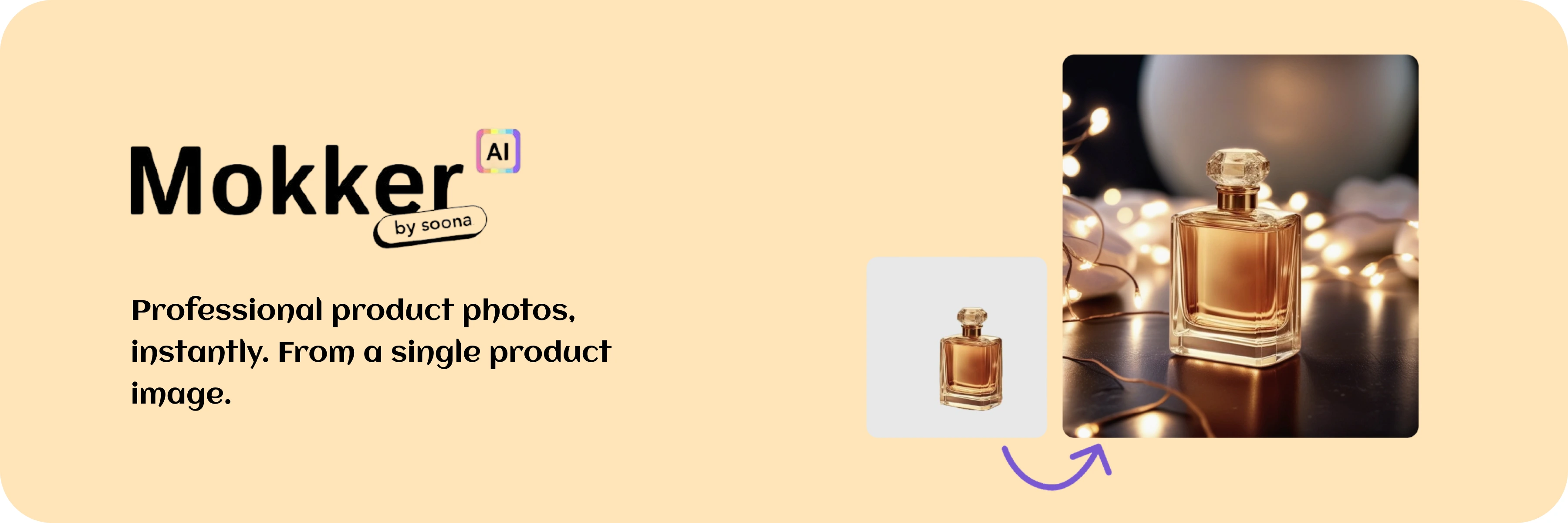
Mokker.ai is your virtual product photoshoot studio and this AI photo editor is free. You snap a quick photo, upload it, and suddenly your coffee mug is sitting on a rustic wooden table in a Paris café… or your sneakers are perched on a sunlit park bench. From cozy indoor vibes to adventurous outdoor scenes, Mokker gives you a whole gallery of professional-looking shots without you ever touching a camera. Perfect for sellers, marketers, or anyone who wants variety without booking a photographer.
Pros:
AI-generated backgrounds that match lighting and perspective
100+ templates categorized by industry
High-quality, realistic results
Great for creating variety from a single product shot
Free tier to test before committing
Cons:
Limited control over fine details in AI outputs
Mostly focused on product photography (not general portraits)
Best results often require high-quality input images
9 Best Free AI Tools for Photo Editing in 2025 - Mokker
5. TopView AI
TopView AI turns still photos into short, ready-to-post videos with motion, music, and voice so your content actually stops the scroll. You get the desired result…engagement! This tool takes your photos and transforms them into ready-to-post videos that feel like they came from a pro editor without any editing bill.
Pros:
Turns your photos into videos that actually make people stop and watch
Lets you add AI avatars and voiceovers in different languages
Comes with ready-made templates for ads, promos, and social posts
Simple enough for complete beginners, no editing skills needed
You can try it out for free before committing
Cons:
Limited customization compared to pro video editors
AI avatars may feel less authentic for certain brands
Export quality may be capped on free plan
drag embedded asset
published
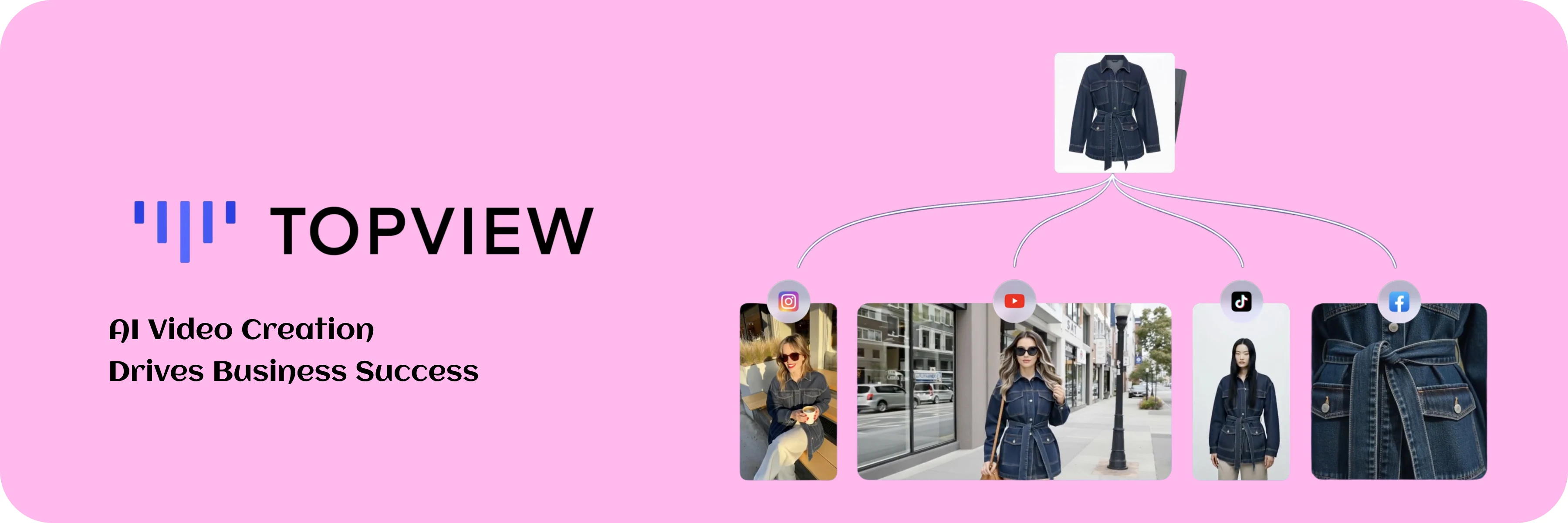
9 Best Free AI Tools for Photo Editing in 2025 - Topview
6. Remove.bg
Remove.bg instantly cuts out backgrounds with impressive accuracy even around hair and fur so your subject is ready for any design or layout. Upload your photo, wait a few seconds, and the background is instantly removed. You’re left with a clean image that’s ready to use in marketing materials, designs, or personal projects. It’s fast, dependable, and widely used by both creative professionals and casual users.
Pros:
Quickly removes backgrounds with impressive accuracy
Handles tricky edges like hair, fur, and fine details with ease
You can use it right away — no account needed
Offers an API and plugins so you can plug it into your workflow
Has a free version so you can start without spending a cent
Cons:
Limited to background removal only (no other edits)
Low-res output on free plan
Internet connection required
drag embedded asset
published
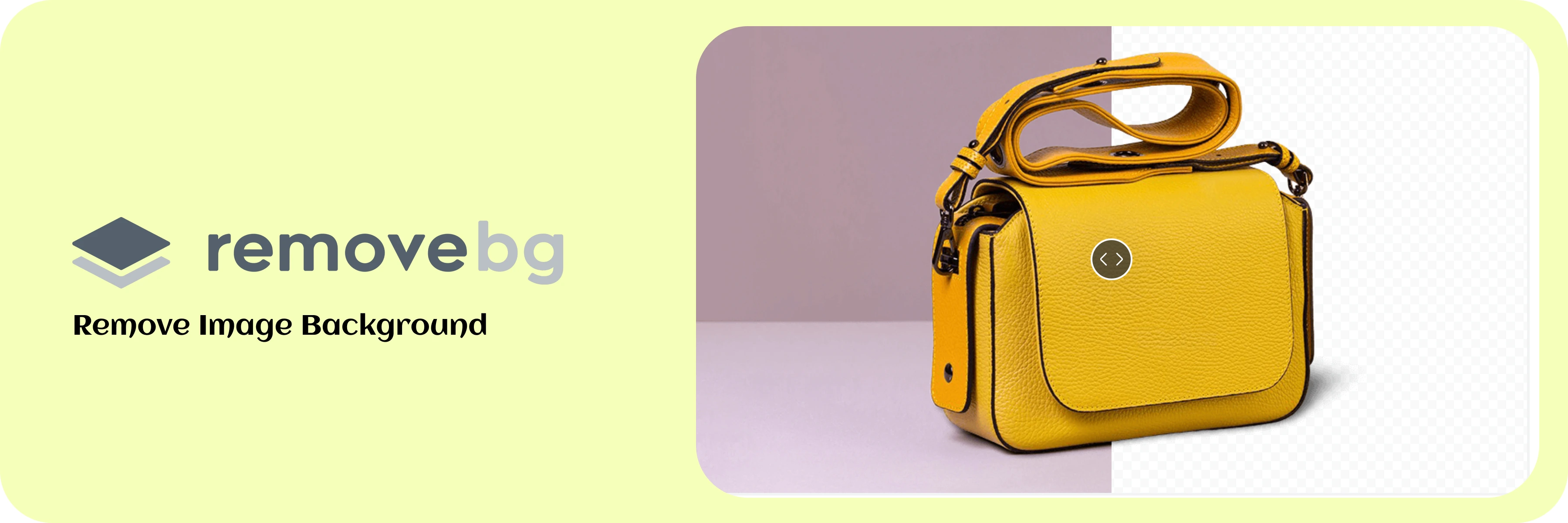
9 Best Free AI Tools for Photo Editing in 2025 - Remove BG
7. Pixlr
Pixlr is what happens when a photo editor decides to make things easy. You can do everything from basic edits to AI-powered tricks like object removal and generative fill all in your browser. No downloads, no heavy software, just open and go.
Pros:
Wide range of AI tools (background remover, object remover, upscaler)
Design templates for social media and marketing
No installation needed — works in browser
Free to use with many core features
User-friendly interface
Cons:
Ads in free version can be distracting
Some AI tools require a premium plan
Web-based large files may load slowly
8. Remini
Remini is like a magic eraser for blurry or worn-out photos. Got an old family picture that’s faded with time? A selfie that turned out grainy? Or a product shot that’s a bit pixelated? In just seconds, Remini sharpens the details and brings the image back to life. It’s especially well-known for how beautifully it restores faces, making them look clear and natural again.
Pros:
One-tap photo enhancement
Excellent at restoring facial details
Great for old, damaged, or low-res photos
Mobile app for editing on the go
Free daily enhancements available
Cons:
Requires internet connection to process
AI enhancements can sometimes over-smooth faces
Free plan has daily limits
9. Fotor
Fotor AI editor is an all-in-one photo editor which can handle just about anything from removing backgrounds and adjusting colors to retouching portraits and creating AI-generated art. It is easy to use, this is what it’s considered a great choice if you want a single easy tool instead of juggling multiple apps.
Pros:
Packed with a wide range of AI editing tools all in one place
Simple and intuitive — you’ll get the hang of it quickly
Comes with ready-made templates for social media, ads, and more
Can bring old photos back to life with AI colorization and restoration
Offers a free plan so you can try it without paying upfront
Cons:
Watermarks on some free exports
Occasional AI inaccuracies in complex edits
Best results often come from premium plan
Final Thoughts
AI photo editors are now part of everyday content creation. They save hours of work and make professional results accessible to anyone.
If you’d rather not juggle nine different tools, start with Pixro. From a single photo, you can create ads, lifestyle shots, and even videos in minutes. It’s free to try and built to simplify the way you create.








