


AI image upscaler that sharpens photos up to 4×

    Enlarge any image up to 4× while recovering crisp detail — no blur, no blocky artifacts, no plastic look. Rescue low-resolution product photos, portraits, and marketing assets so they're sharp enough for print, hero banners, marketplaces, and ads.

    Up to 4× resolution · full commercial rights · no credit card to start

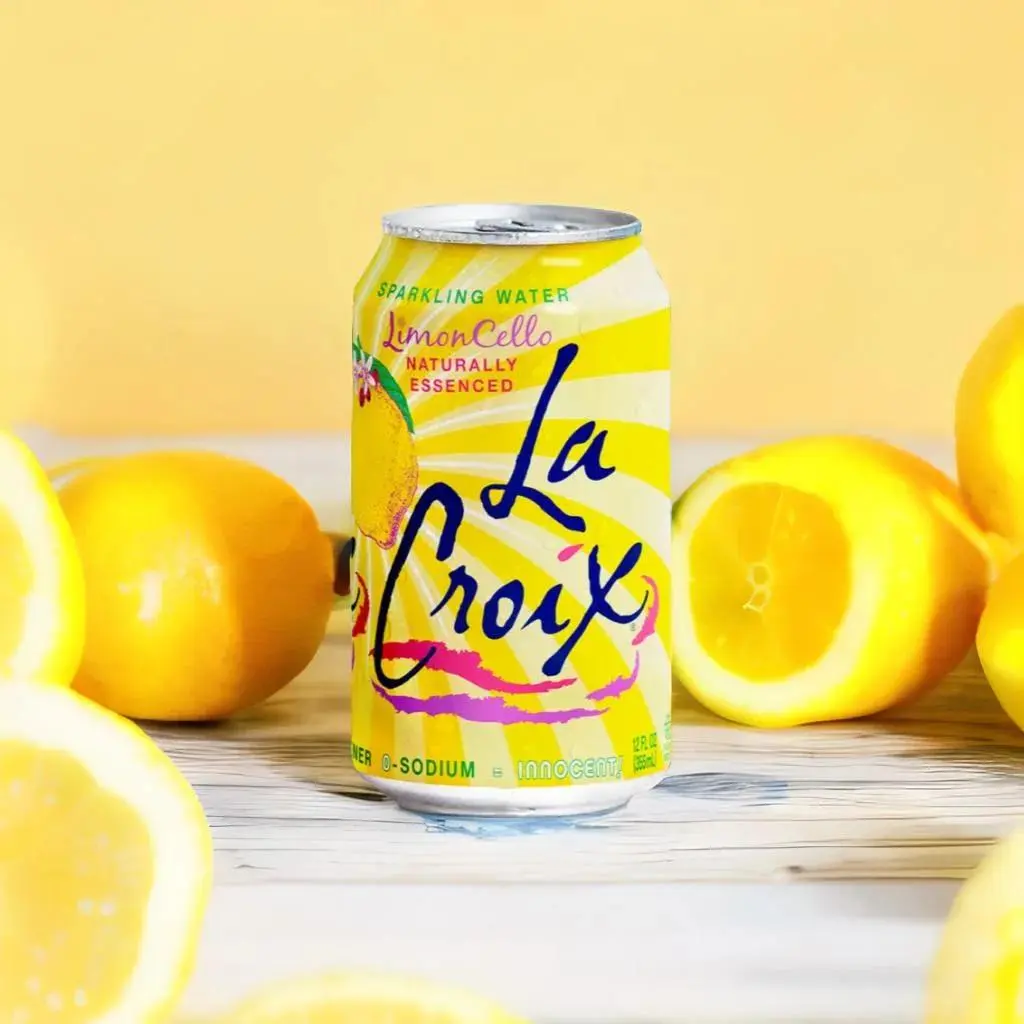
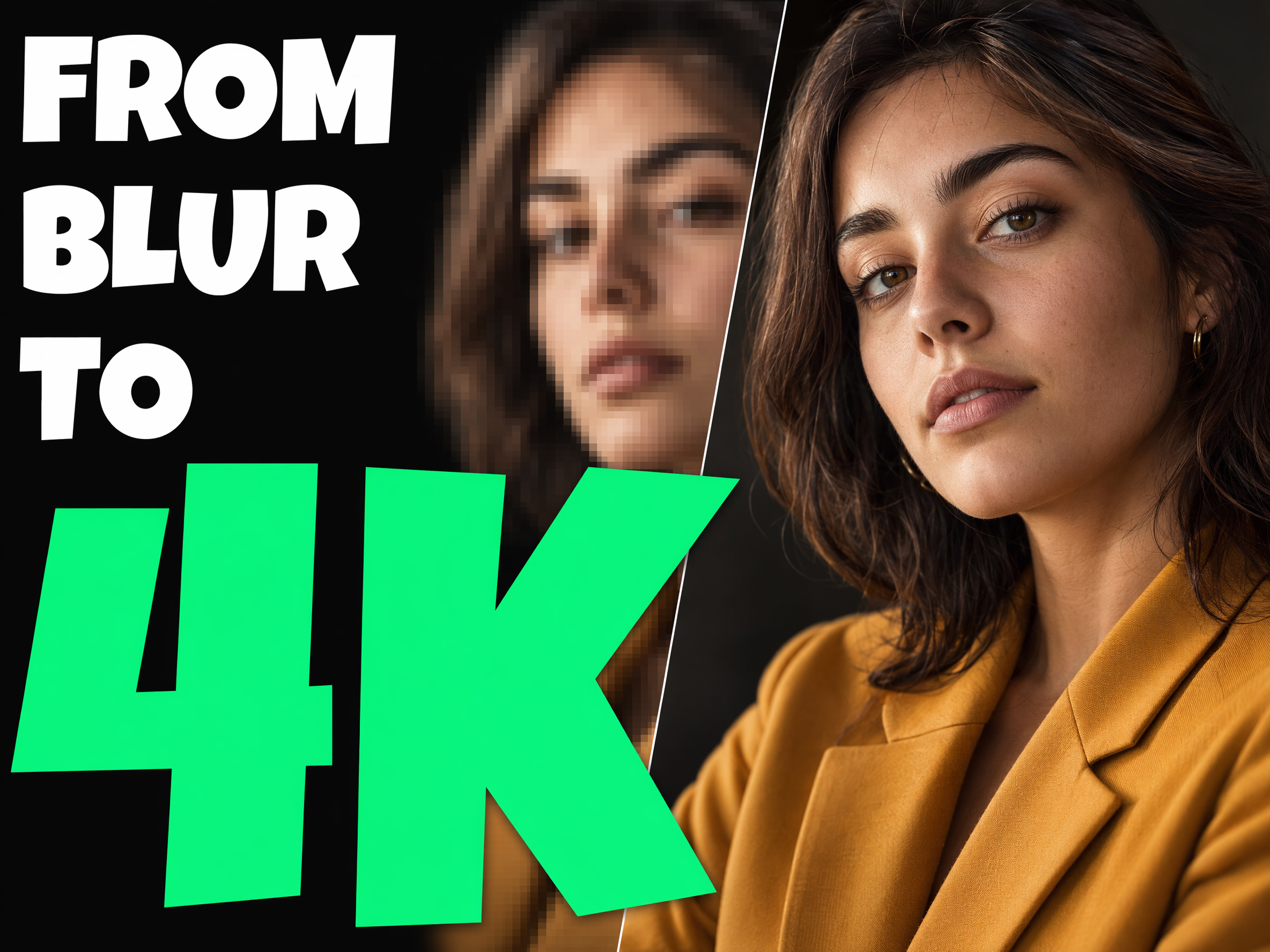
    A low-resolution photo sharpened and enlarged by Pixro AI

    AI upscaler trusted by 500+ brands & creative teams

    Brands, agencies, and marketplaces use Pixro's AI upscaler to rescue low-res assets and prep images for large-format print and ads.

    Upload a small or soft image and get a sharp, detailed version ready for hero banners, packaging, and high-DPI screens.

    Trusted by leading brands

    MyntraHRXRoadsteraamiliThe Bear LabelGZ

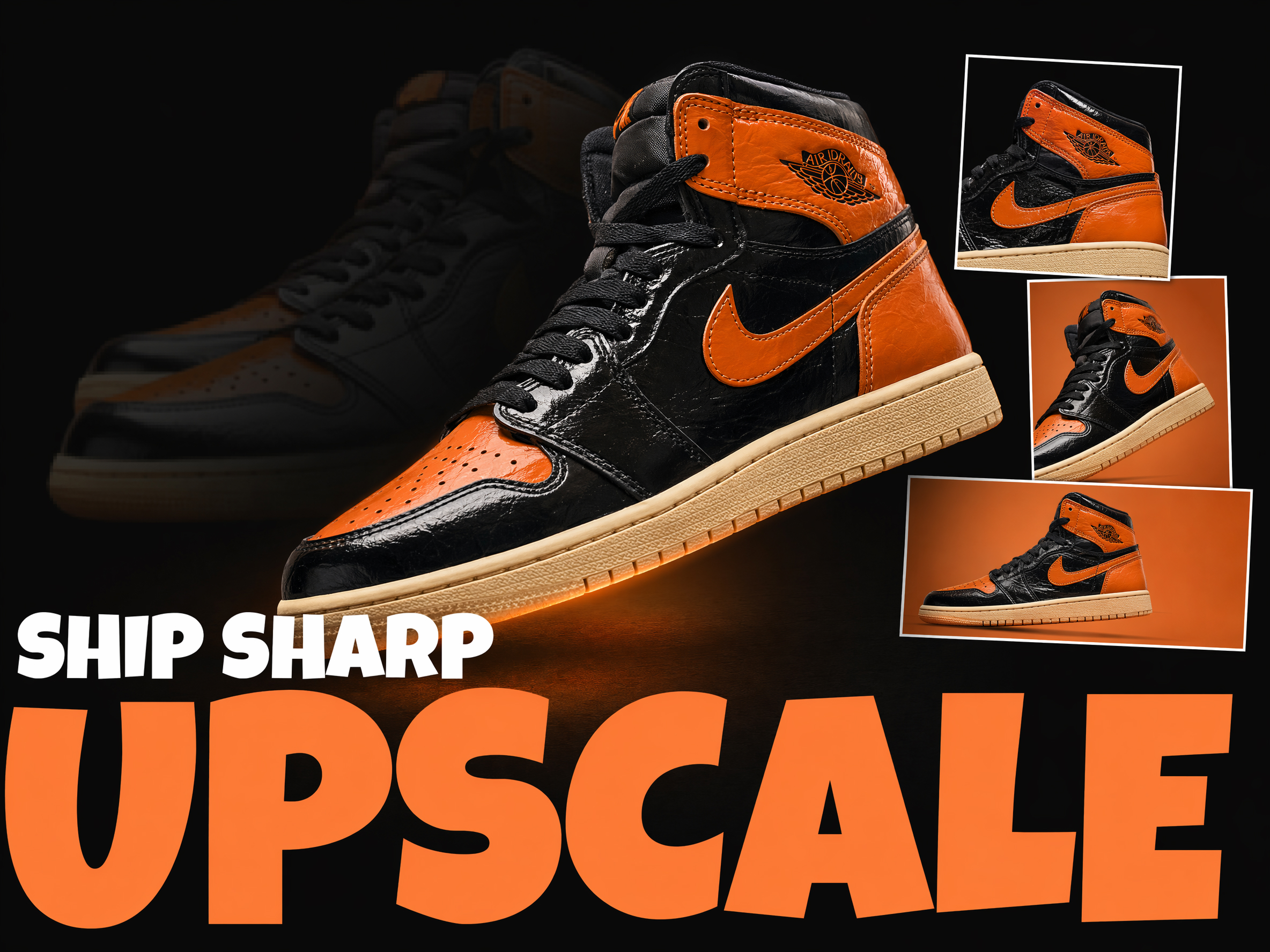
    Recover detail, not just pixels

    Ordinary upscaling stretches an image and leaves it soft or blocky. Pixro reconstructs real detail — fabric texture, edges, and fine features — as it enlarges, so a 4× image looks genuinely sharper rather than simply bigger. Rescue assets you thought were unusable.

    Start your free trial
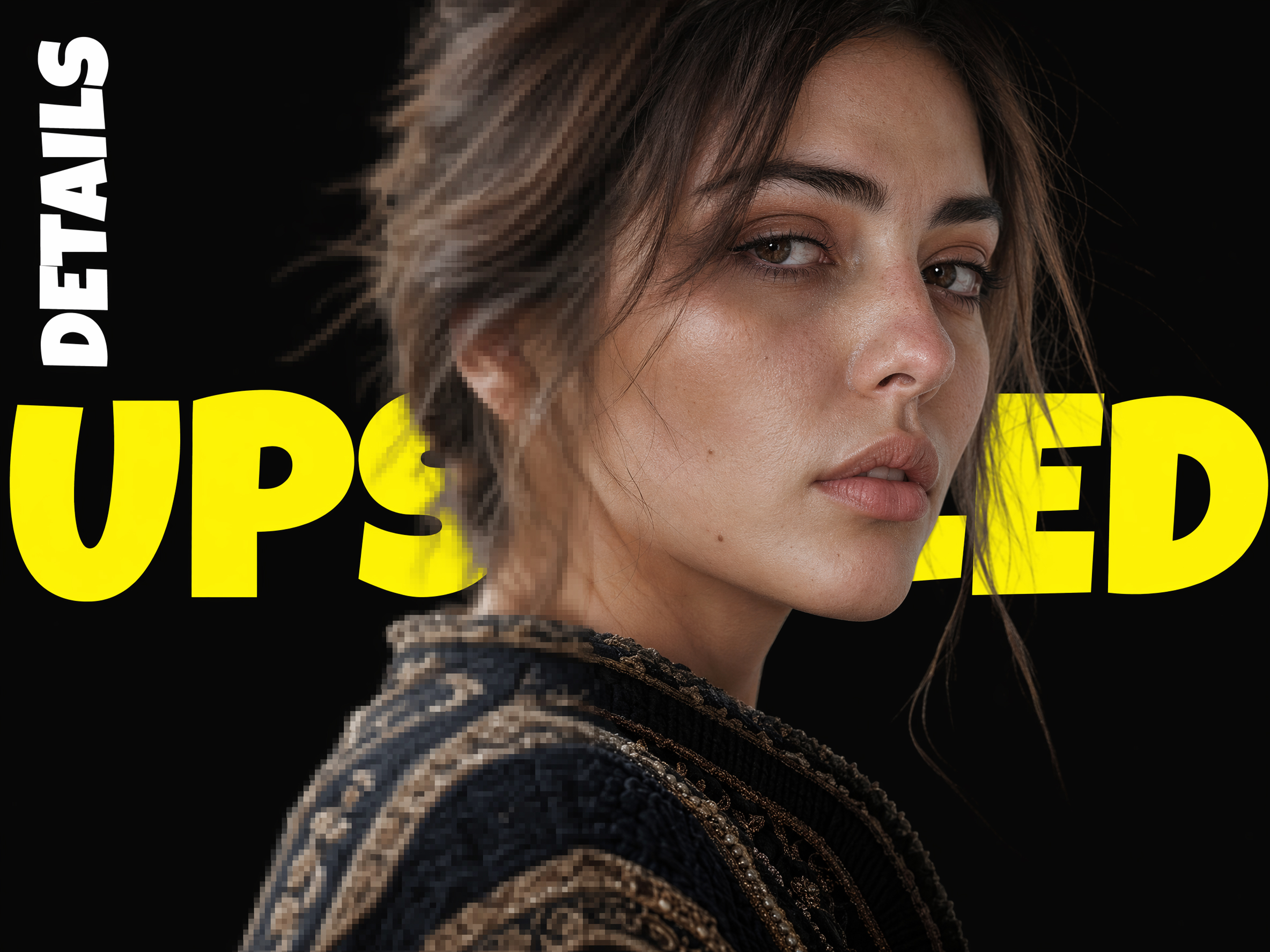
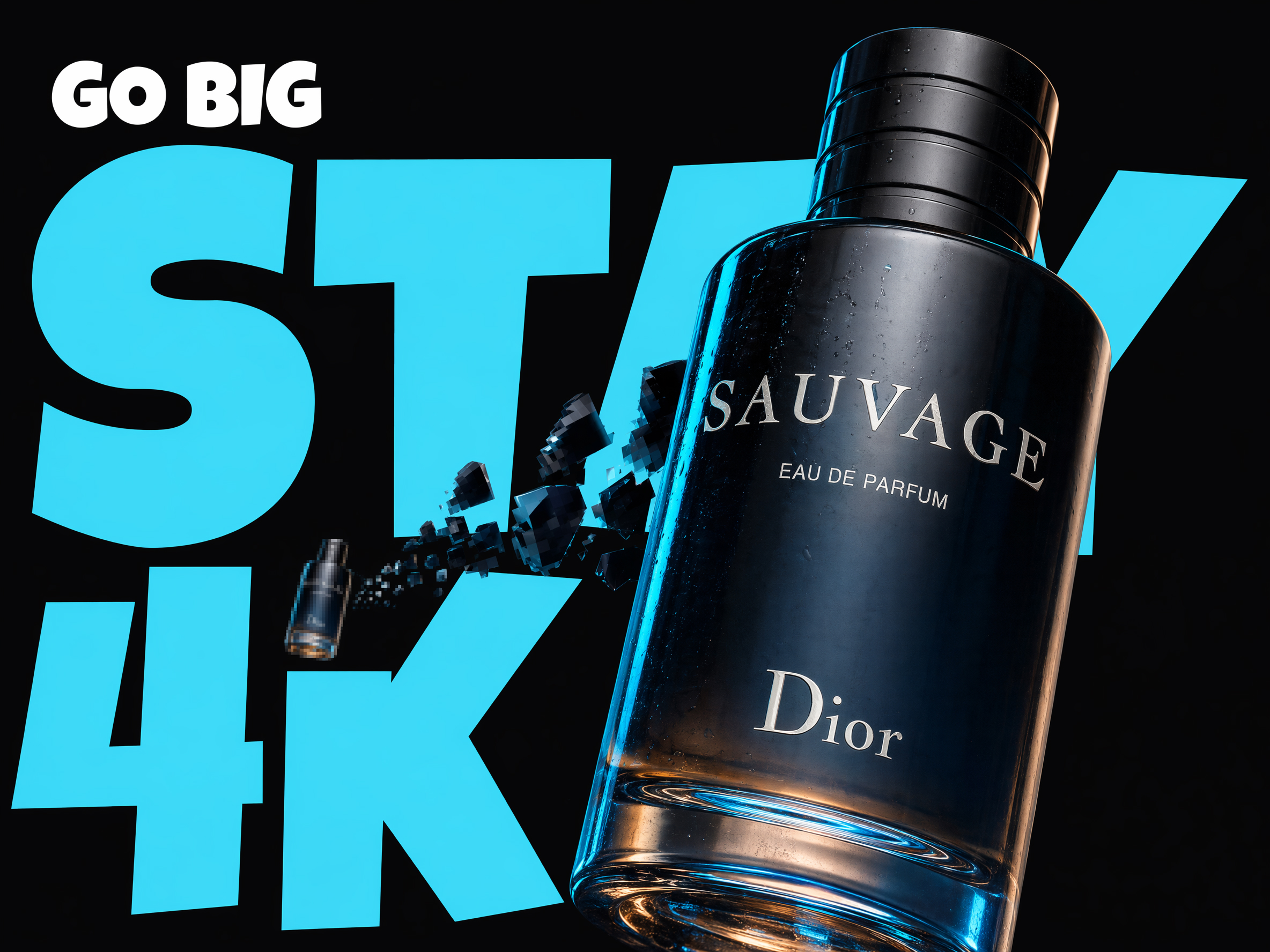
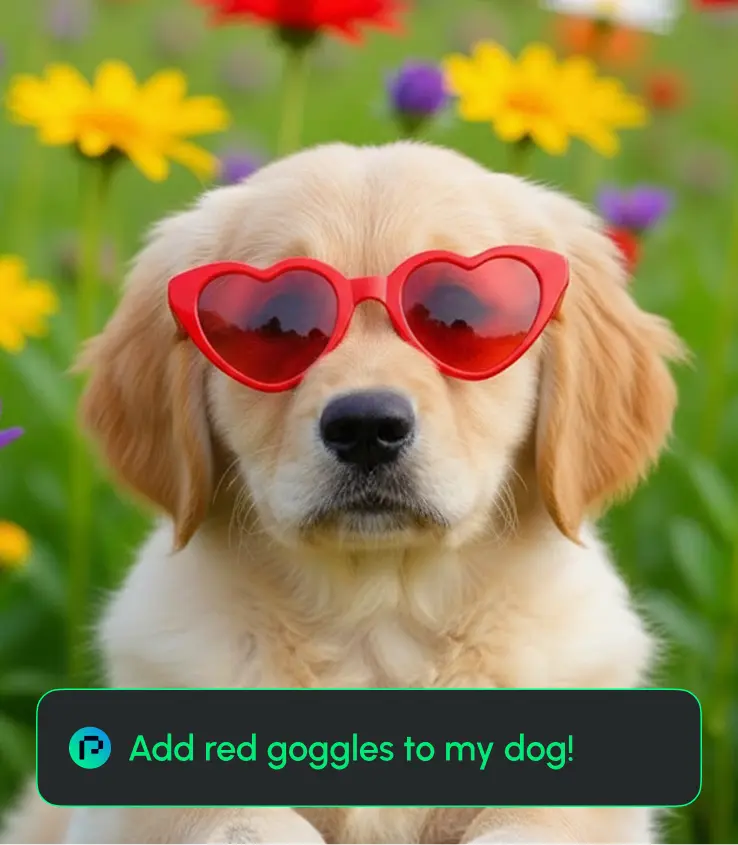
    A soft image with detail reconstructed at higher resolution

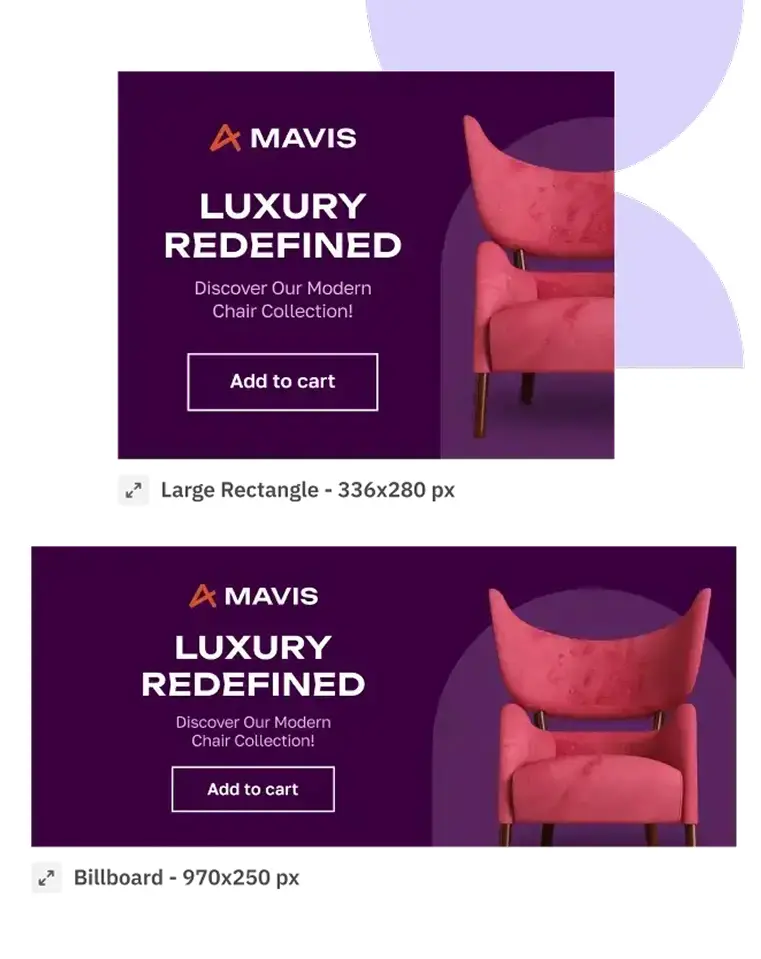
    Print- and banner-ready resolution

    Turn web-sized product shots into images sharp enough for packaging, posters, trade-show banners, and full-width hero sections. Hit the resolution your print and design teams require without re-shooting the product.

    Start your free trial
    An upscaled image sized for large-format print

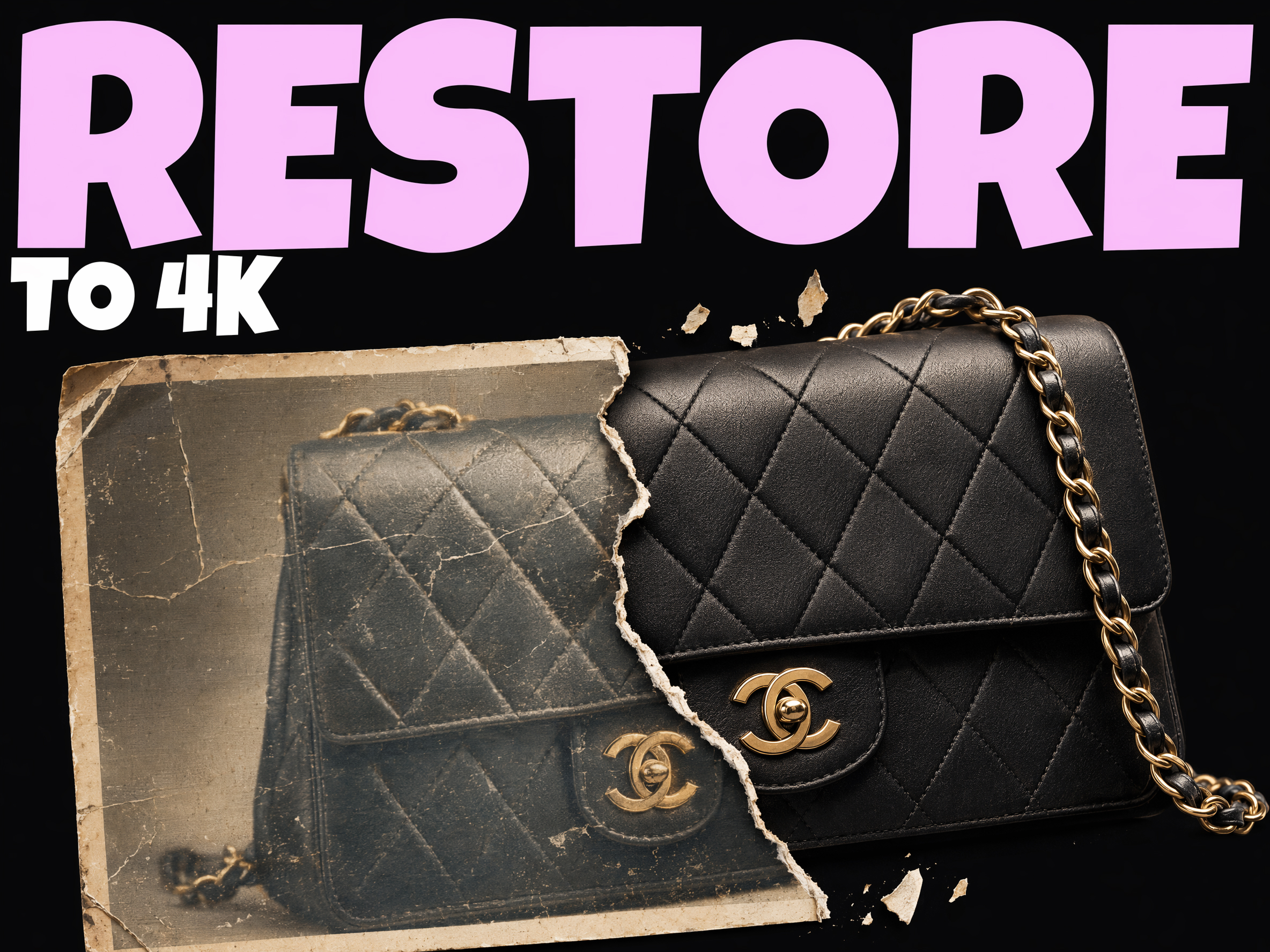
    Clean up old or compressed images

    Restore clarity to legacy catalogue photos, screenshots, and heavily compressed images. Pixro reduces artifacts while enhancing detail, so archived assets can be reused in modern, high-DPI layouts.

    Start your free trial
    A compressed image cleaned up and sharpened

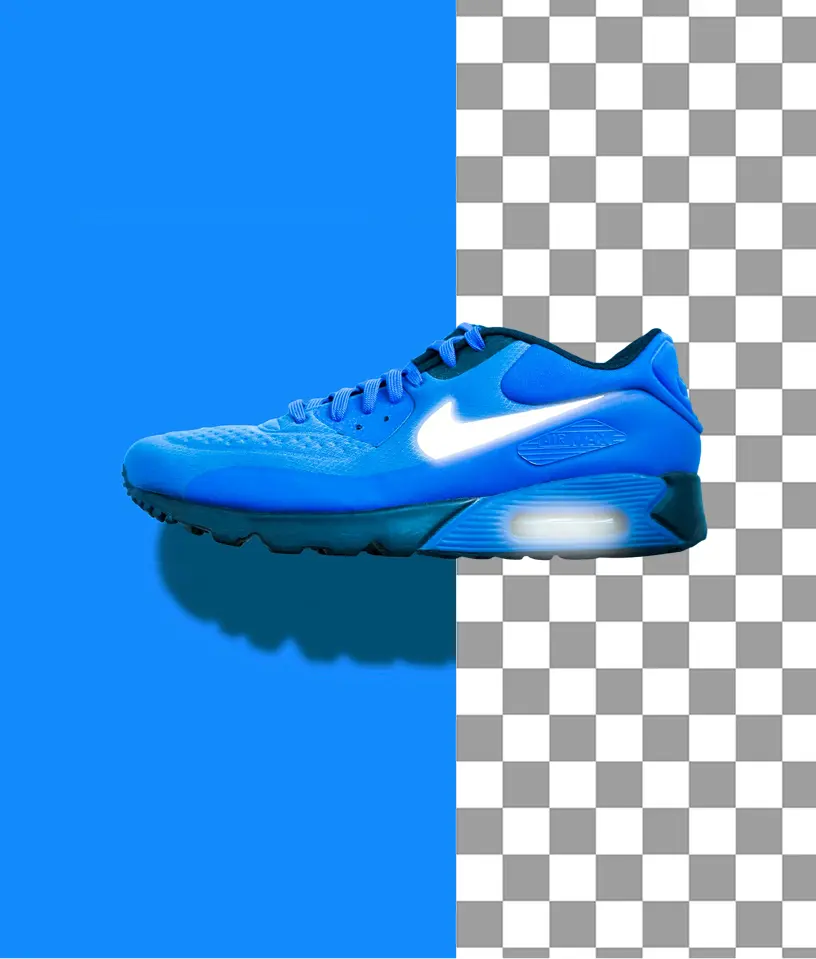
    Part of a finished, on-brand asset

    Upscaling is often the last step before an asset ships. Pair it with Pixro's background replacer, remove-background, and resize tools to take a rough image all the way to a polished, correctly sized final.

    Start your free trial
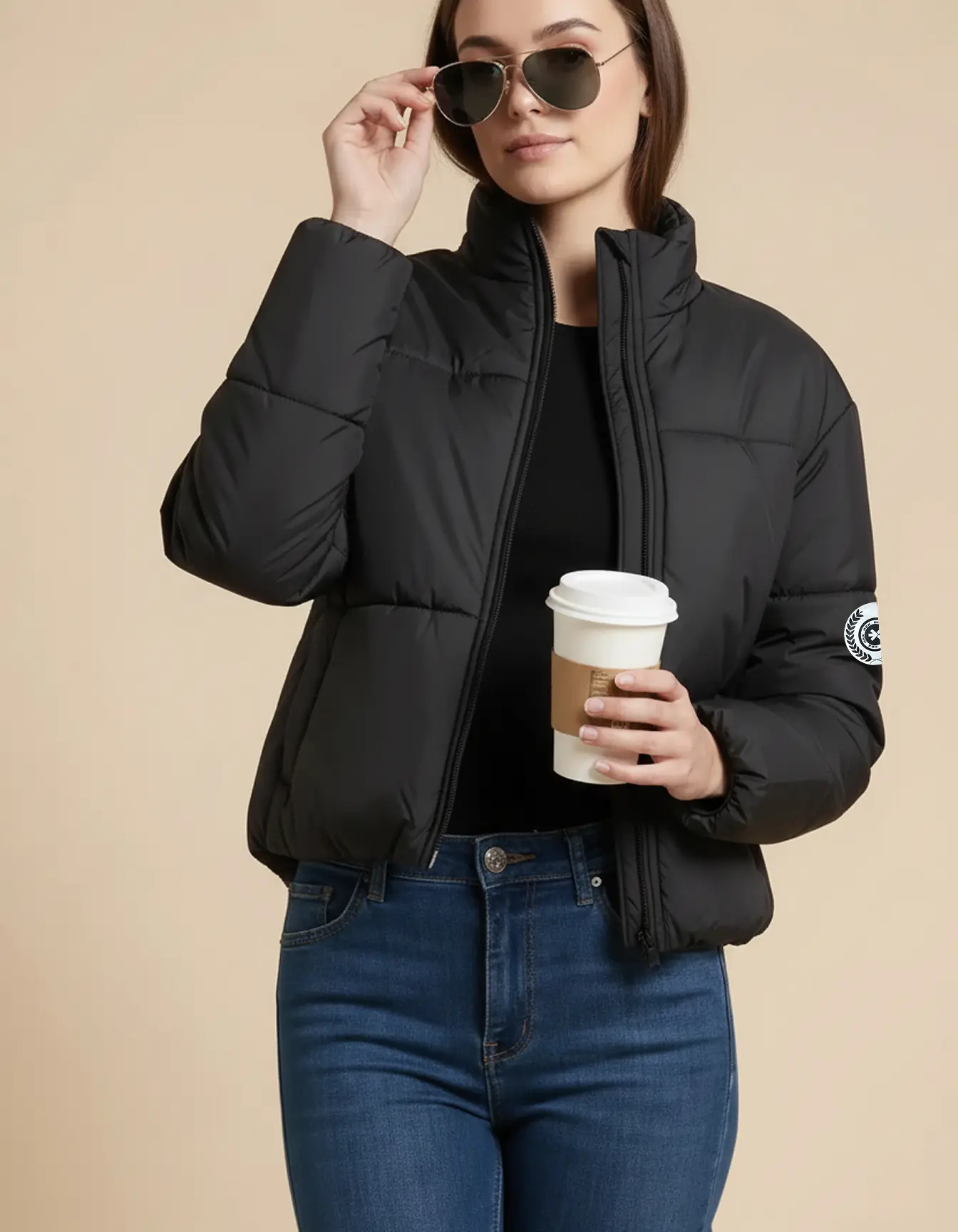
    An upscaled image being finished for delivery

    Real results

    What teams get from AI upscaling

    0

    Resolution increase with recovered detail

    0

    To upscale a typical product image

    0

    Legacy assets rescued from single uploads

    0

    Reshoots needed to hit print resolution

    A complete solution

    Upscaling plus every AI image tool you need

    Upscaling is one step. Cut out, restyle, resize, and edit every image with the rest of Pixro's tools.

    Why teams use Pixro's AI upscaler

    Up to 4× resolution

    Enlarge images enough for print, packaging, and full-width hero banners.

    Real detail, not blur

    Reconstructed texture and edges instead of a soft, stretched image.

    Artifact cleanup

    Reduce noise and compression damage while enhancing clarity.

    Seconds per image

    Sharpen and enlarge in seconds instead of manual retouching.

    Sharpen and enlarge every image. Start free

    Get started for free

    AI upscaling vs. manual enlargement

    Same image, enlarged differently. Here's what changes when Pixro replaces basic resampling.

    Manual / basic resampling
    Pixro AI upscalerRecommended
    Result quality
    Soft, blurry, or blocky when enlarged
    Sharp detail reconstructed at higher resolution
    Artifacts
    Noise and compression damage get magnified
    Cleaned up as the image is enhanced
    Effort
    Manual sharpening and retouching passes
    One upload, sharp result in seconds
    Reshoots
    Often the only way to hit print resolution
    Rescue existing assets, no reshoot
    Scaling a library
    Limited by editor hours
    Whole libraries upscaled in minutes

    More Pixro AI tools beyond upscaling

    Upscaling is one part of the workflow. Cut out, restyle, resize, and edit from the same platform.

    Everything you need to know about AI image upscaling

    Pixro's AI image upscaler enlarges any image up to 4× while reconstructing real detail, so the result looks genuinely sharper rather than just bigger. It's built to rescue low-resolution product photos, portraits, and marketing assets for print, ads, and high-DPI screens.

    Make every image print- and banner-sharp in seconds