



AI background remover for pixel-perfect product cutouts

    Erase the background from any product or portrait photo in one click, with clean edges around hair, fabric, and fine detail. Get transparent PNG cutouts ready for marketplace listings, ads, and design — no manual clipping paths or masking required.

    One-click cutouts · full commercial rights · no credit card to start

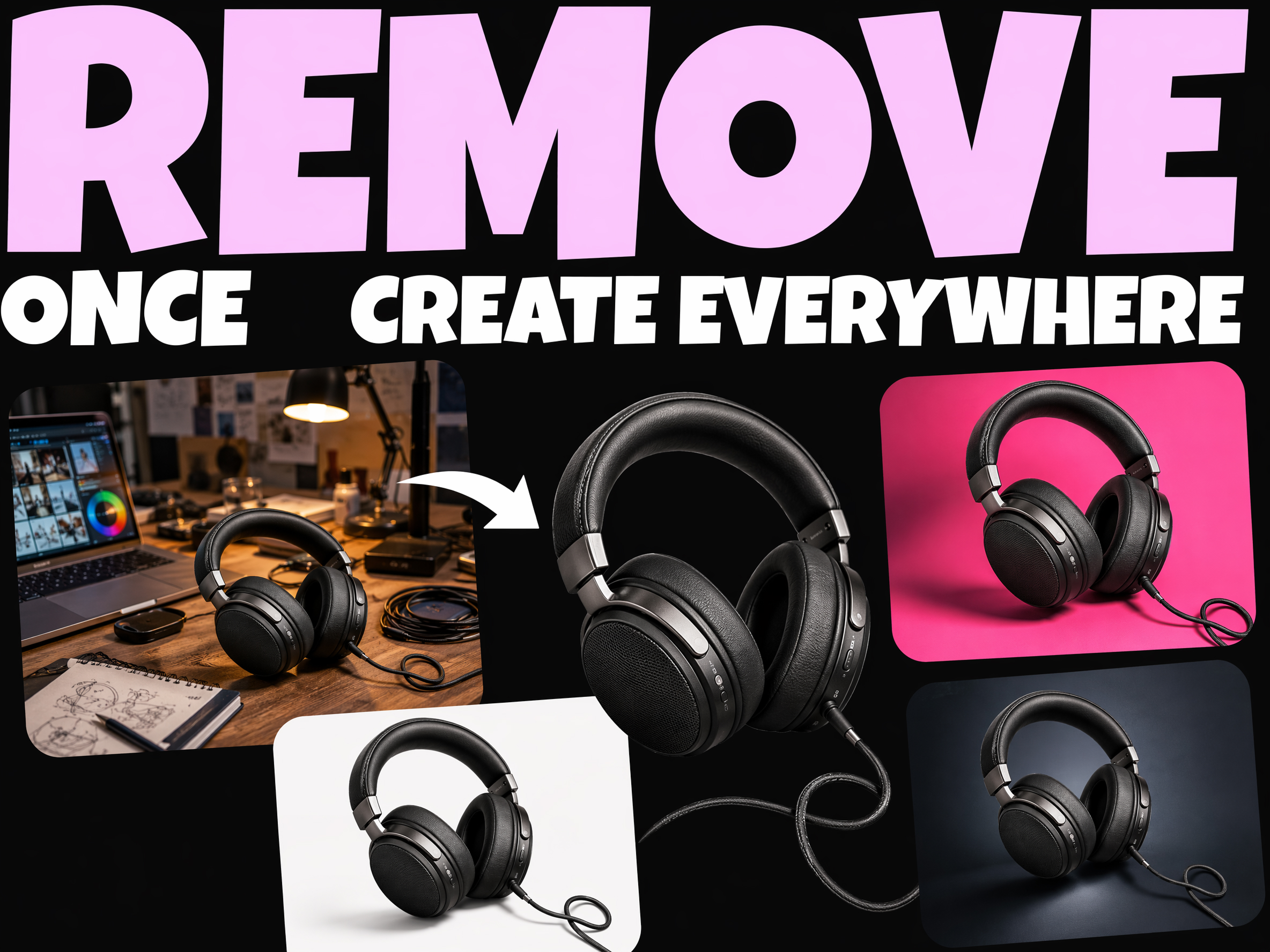
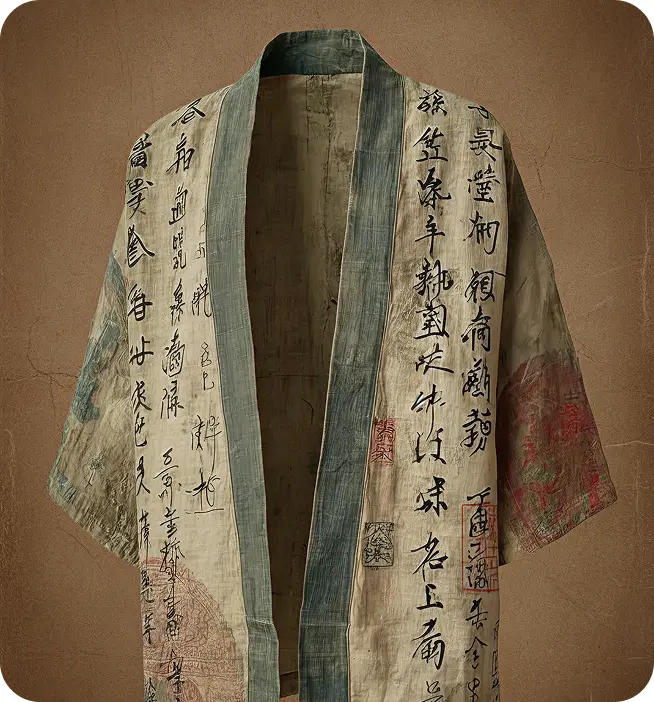
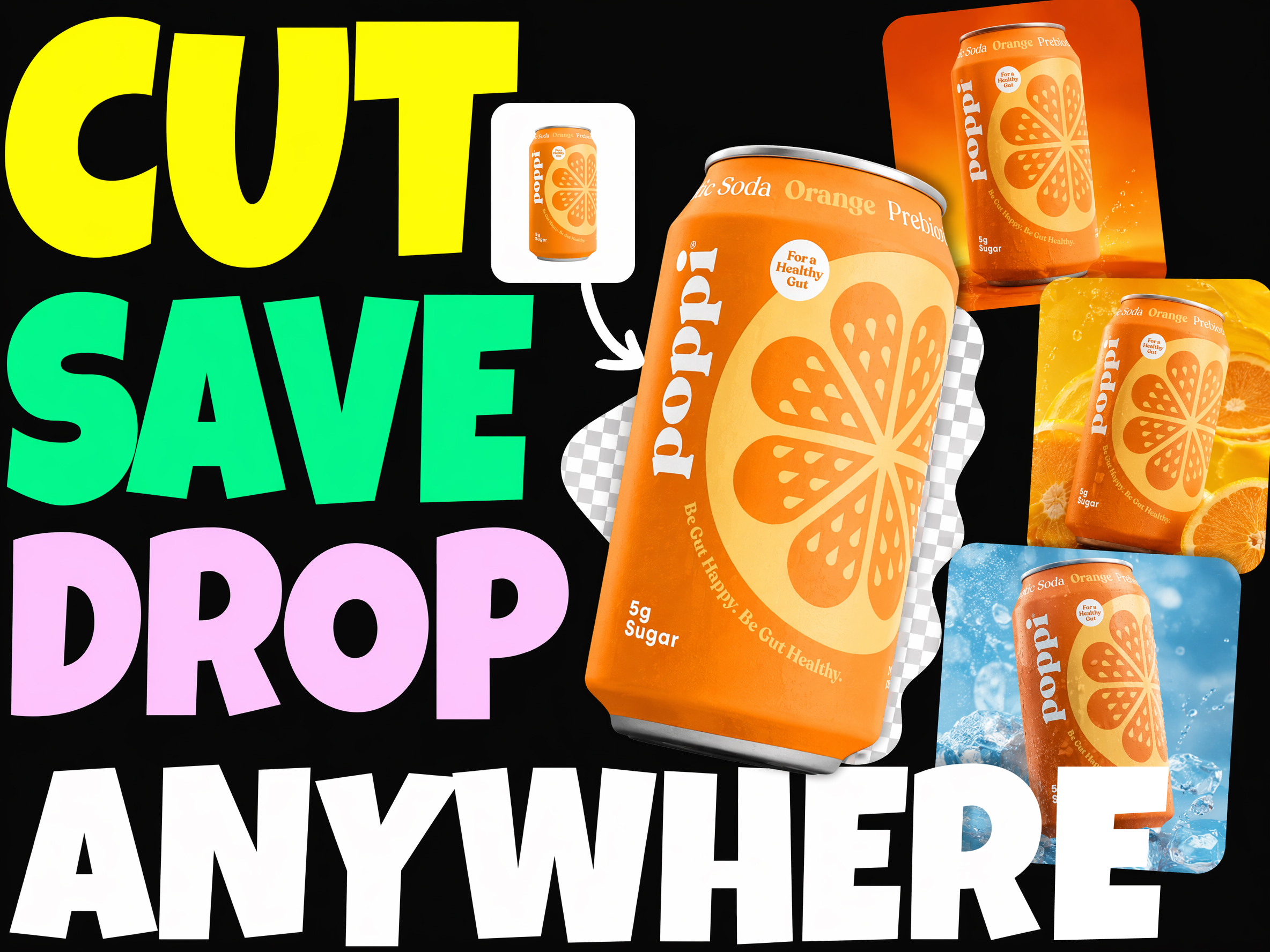
    A product photo with its background cleanly removed by Pixro AI

    Background remover trusted by 500+ ecommerce & design teams

    Sellers, marketplaces, and design teams use Pixro's AI background remover to produce clean cutouts without hand-drawing clipping paths.

    Upload any product or portrait photo and get a transparent PNG with crisp edges — ready to drop into listings, ads, and layouts.

    Trusted by leading brands

    MyntraHRXRoadsteraamiliThe Bear LabelGZ

    Clean edges, even on hair and fabric

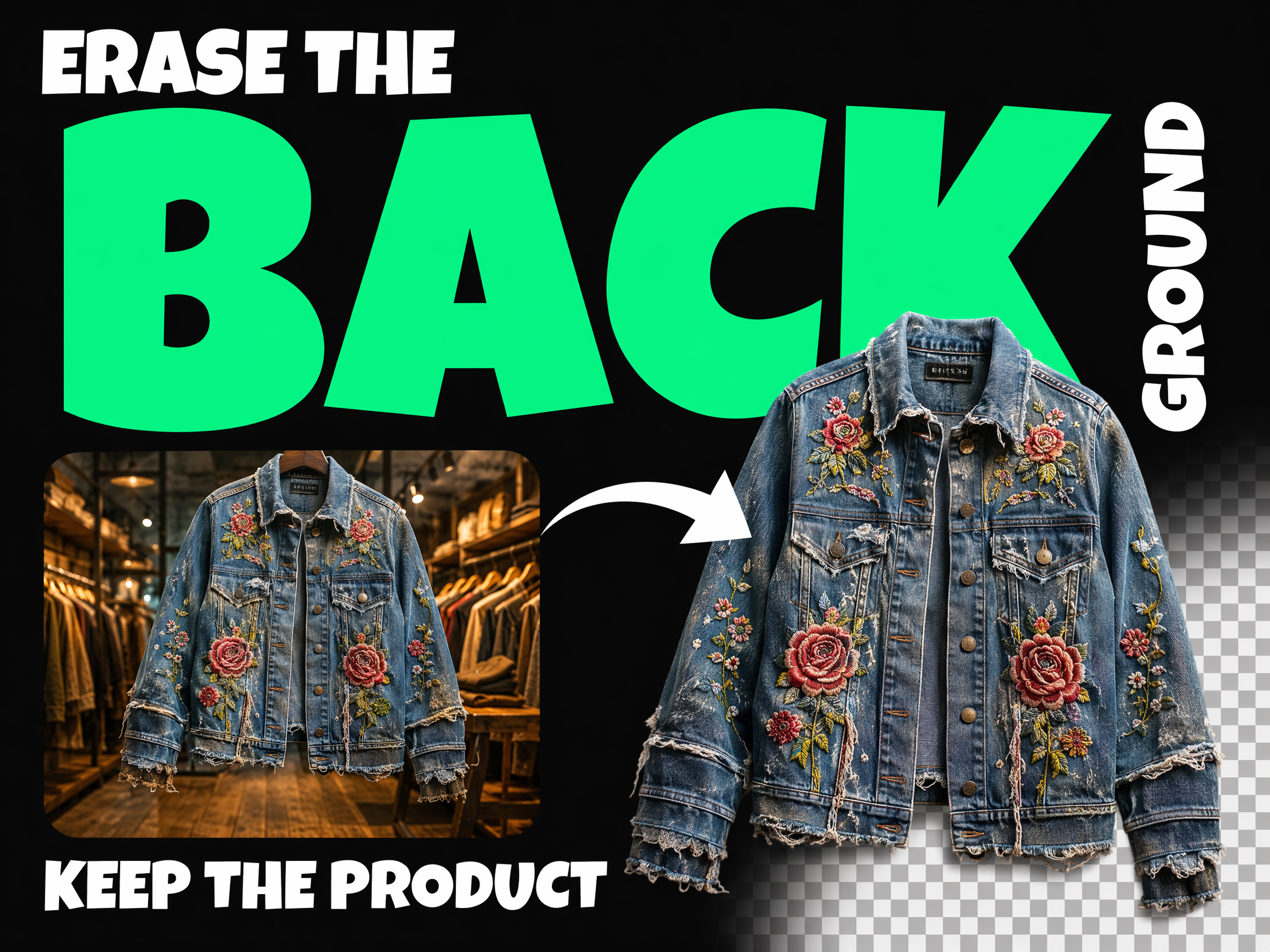
    Pixro detects the subject and cuts it out with pixel-perfect edges — including the fine, wispy detail around hair, fur, and loose fabric that trips up manual masking. Get a professional cutout that looks hand-traced without spending an hour drawing a clipping path.

    Start your free trial
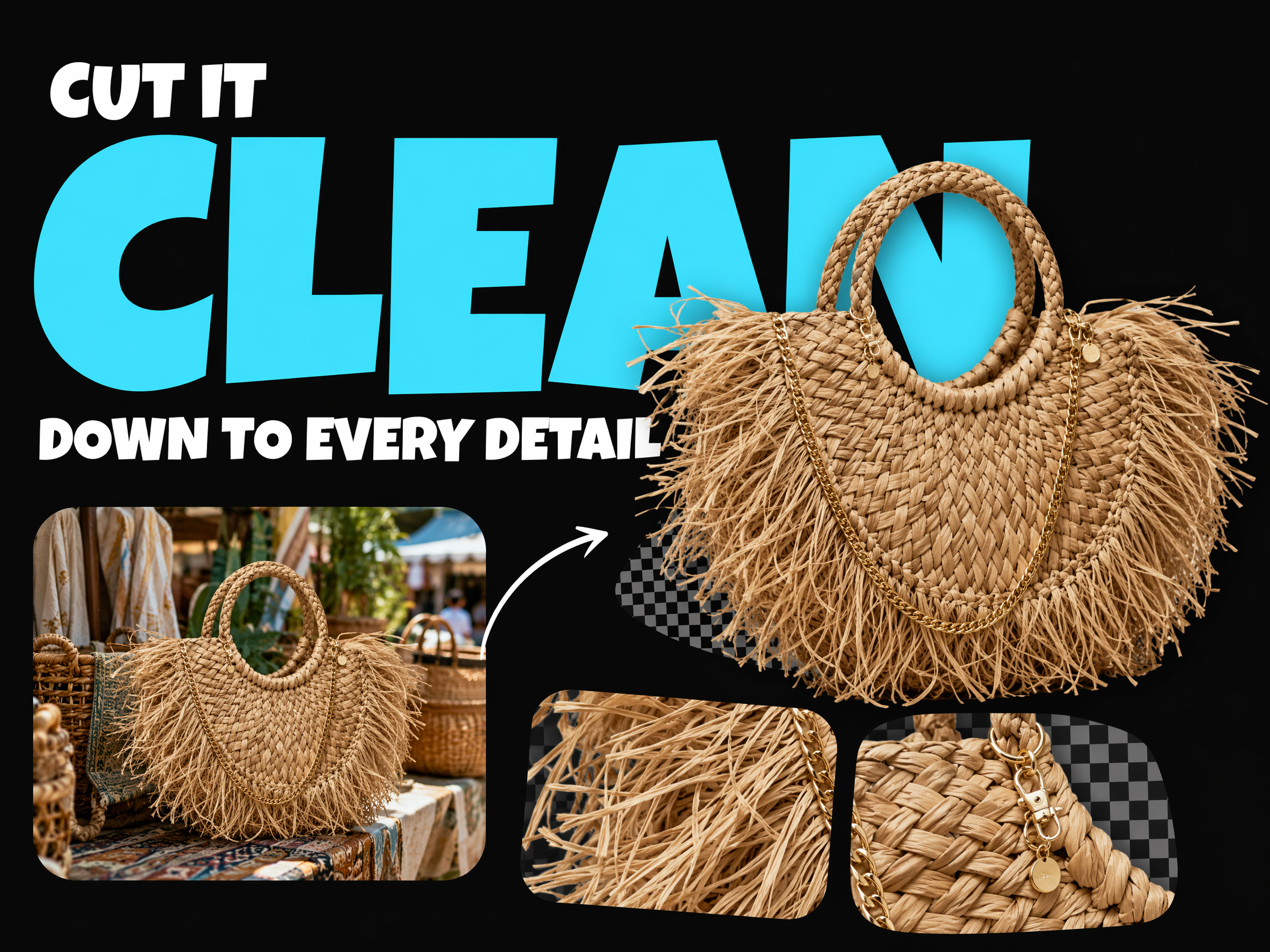
    A cutout with clean edges around fine detail

    Transparent PNGs, ready to drop in

    Export your cutout as a transparent PNG that drops straight into product pages, ad layouts, and design files. No white halos, no leftover fringe — just a clean subject you can place on any background or composition.

    Start your free trial
    Transparent PNG cutout placed into a layout

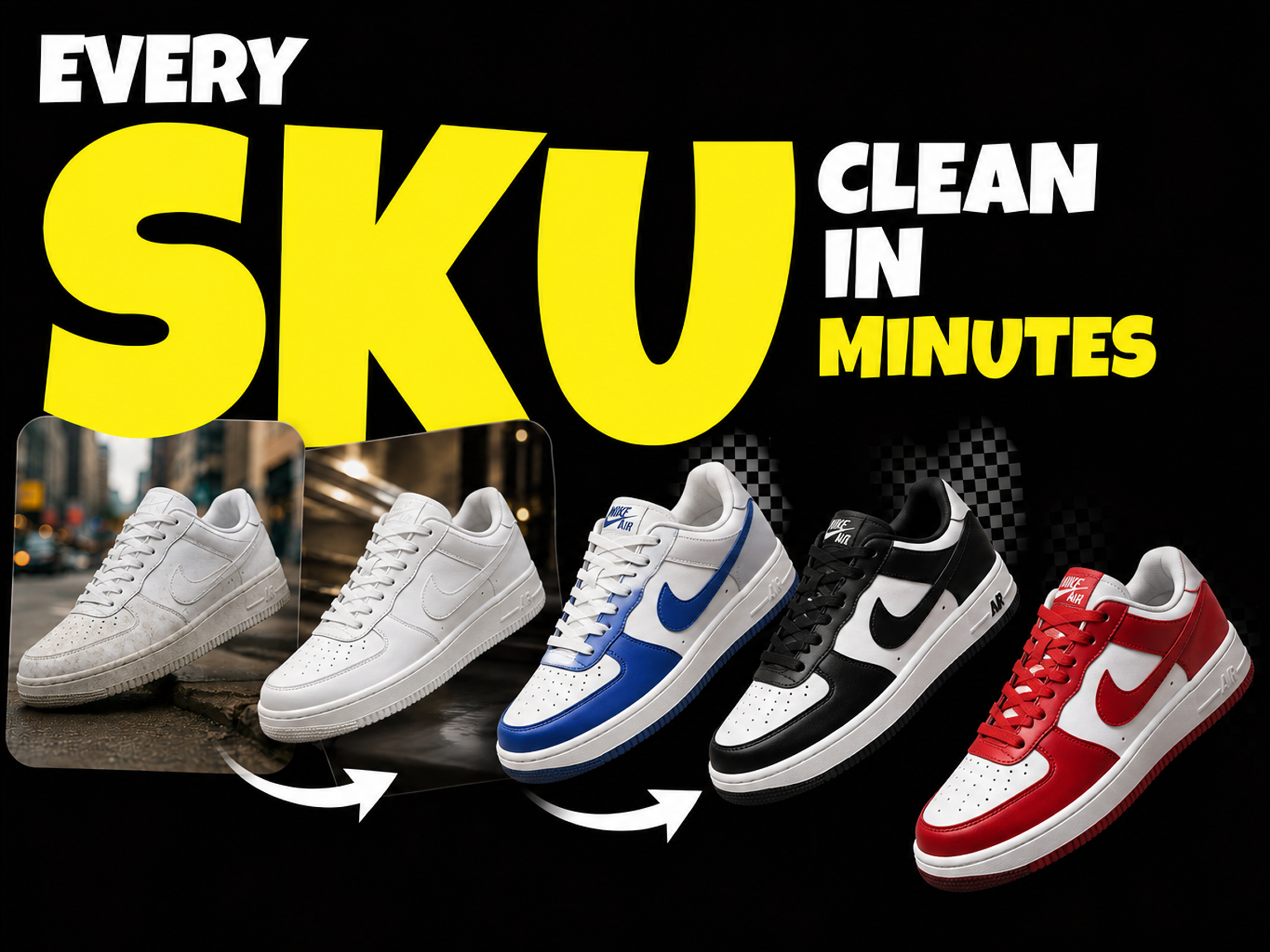
    Batch-clean a whole catalogue

    Cut out hundreds of product photos with consistent quality so every listing looks uniform. Standardize your storefront on clean, distraction-free product images in minutes instead of editing each one by hand.

    Start your free trial
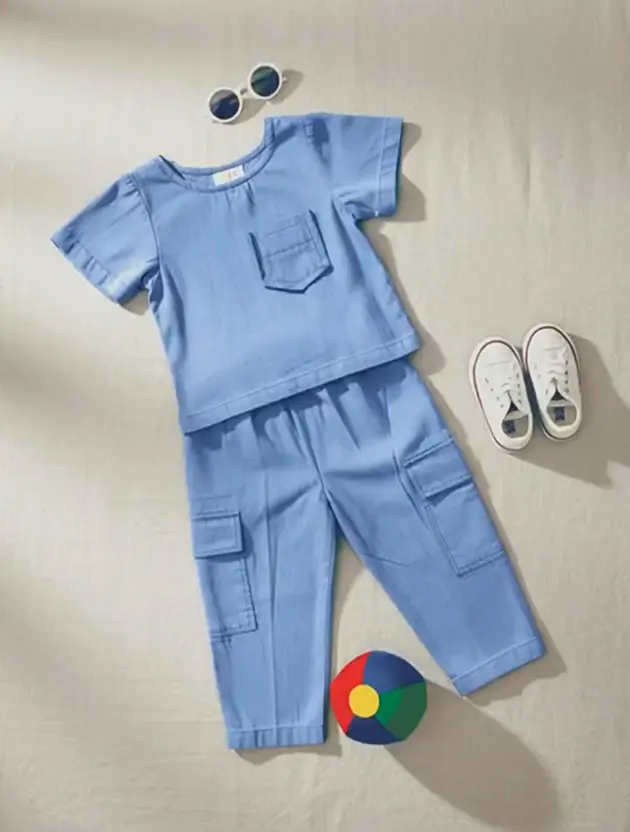
    A grid of cleanly cut-out product photos

    The first step in every edit

    A clean cutout is the foundation for new backgrounds, ads, and composites. Pair remove-background with Pixro's background replacer, upscale, and resize tools to take a raw photo all the way to a finished, on-brand asset.

    Start your free trial
    A cutout being restyled with a new background

    Real results

    What teams get from AI background removal

    0

    To cut out a subject with clean, precise edges

    0

    Product photos cut out from single uploads

    0

    Faster than drawing clipping paths by hand

    0

    Manual masking or fringe cleanup required

    A complete solution

    Background removal plus every AI product-photo tool you need

    Cutouts are the first step. Restyle backgrounds, upscale, resize, and edit every image with the rest of Pixro's tools.

    Why teams use Pixro's background remover

    Pixel-perfect edges

    Clean cutouts around hair, fur, and fabric that usually break manual masking.

    One click, no masking

    Skip the clipping path — Pixro isolates the subject automatically.

    Consistent across every SKU

    Batch-clean hundreds of photos so your storefront looks uniform.

    Seconds per image

    Cut out images in seconds instead of minutes of hand editing.

    Cut out every product photo cleanly. Start free

    Get started for free

    AI background removal vs. manual clipping paths

    Same photo, cut out differently. Here's what changes when Pixro replaces manual masking.

    Manual clipping paths
    Pixro AI background removerRecommended
    Time per image
    Minutes tracing edges by hand
    A clean cutout in one click
    Fine detail
    Hair and fabric edges are painstaking to mask
    Detected and preserved automatically
    Cost per image
    Editor time or per-image outsourcing fees
    One upload, unlimited cutouts
    Consistency
    Edge quality varies editor to editor
    The same clean result every time
    Scaling a catalogue
    Limited by editor hours
    Hundreds of images cut out in minutes

    More Pixro AI tools beyond background removal

    Background removal is one part of the workflow. Restyle, upscale, resize, and edit from the same platform.

    Everything you need to know about AI background removal

    Pixro's AI background remover erases the background from any product or portrait photo in one click and gives you a clean transparent PNG cutout. It detects the subject automatically and keeps crisp edges, including the fine detail around hair, fur, and loose fabric that usually breaks manual masking.

    Turn raw photos into clean cutouts in seconds